MAKE MORE OF THE ROOM YOU LIVE IN
AI Living Room Design
Redesign your living room from a photo. Explore sofa arrangements, layered lighting, rugs and coordinated finishes before deciding what to change.
3 starter credits · 1 credit per image generation · No card to start
A FEW WAYS TO BEGIN
Explore the details that make a difference.
Bring the seating together
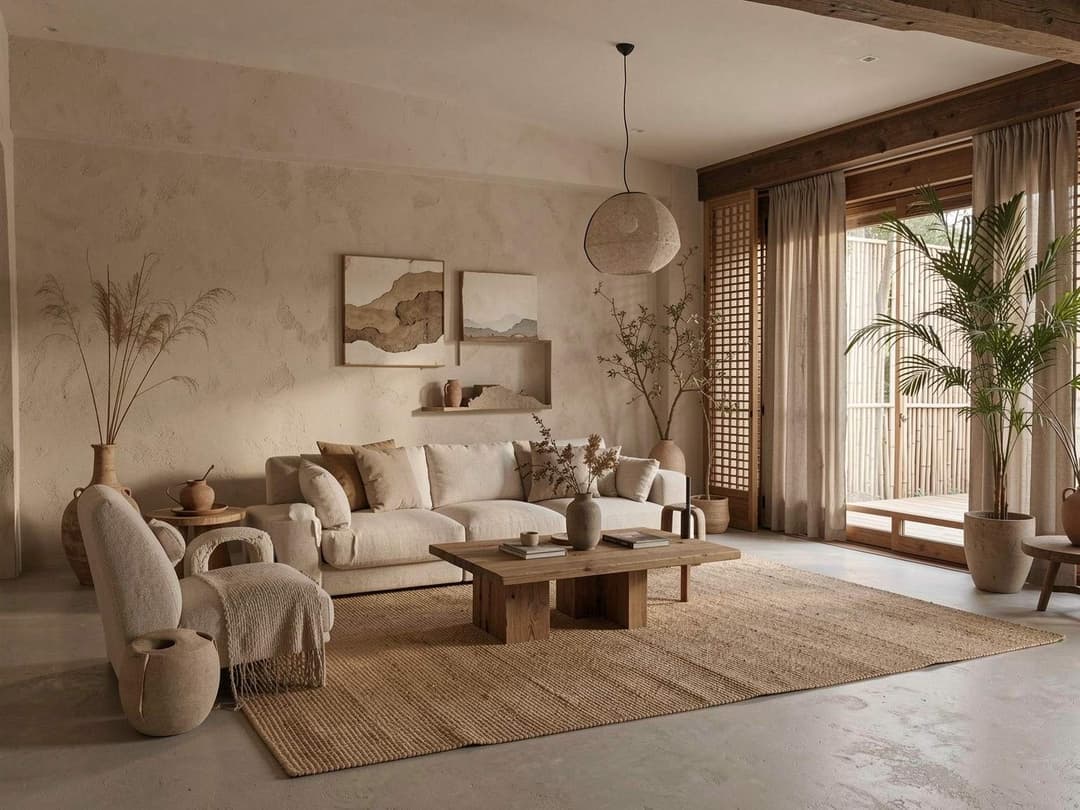
Explore how sofas, armchairs and a coffee table could form a comfortable conversation area. Compare scale and leave circulation space.
Build a balanced palette
Try an oak-and-linen scheme, warm neutrals or a bolder accent color across the room rather than choosing one finish in isolation.
Make an awkward corner useful
Visualize a reading chair, storage or a lighting change for an underused part of your room.
FROM YOUR IMAGE TO AN IDEA
How to use AI Living Room Design
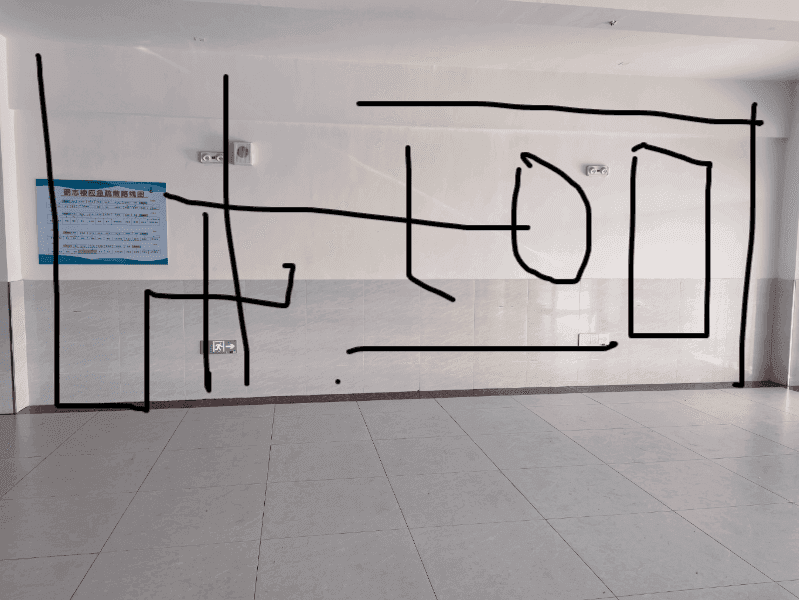
- Upload a clear living room photo with fixed features visible.
- Choose a style and details, then apply and edit the suggested brief.
- Generate an image, compare it with the source and refine one decision at a time.
A design brief to make your own
Reimagine this living room in a warm minimal style. Explore seating, storage and a clear walkway. Use a coordinated palette and realistic lighting. Retain the existing layout, windows, doors and fixed features as closely as possible. Create a realistic visual concept with balanced proportions.
EDIT THIS BRIEF TO MATCH YOUR IMAGE
Check sofa sizes, walkways and the swing of doors against actual measurements. AI may alter openings, proportions or furniture, even when asked to retain them.
Read a practical design guide ↗Start with a little room to experiment.
New accounts receive 3 starter credits. Each submitted image generation uses 1 credit, including another attempt or revision. A finished design may take several attempts.
Explore plans and one-time credit packs ↗Questions before you begin?
How do I start with my own living room?
Open the design tool and upload a JPG, PNG or WebP photo under 10 MB. Choose a style, edit your brief and submit a generation.
Can I keep my sofa and change the rest of the room?
Name the sofa and other pieces you want to retain in your brief. These instructions guide the image generator; exact preservation is not guaranteed.
Can I try it before buying credits?
New accounts receive 3 starter credits without a payment card. The current generator uses 1 credit per submitted image generation; further attempts use additional credits.