From a drawing to a visual direction
AI Sketch to Render
Turn a hand-drawn sketch, line drawing or model screenshot into an AI rendering. Explore materials, daylight and atmosphere without rebuilding your concept.
3 starter credits on signup · 1 credit per image generation · No card to start
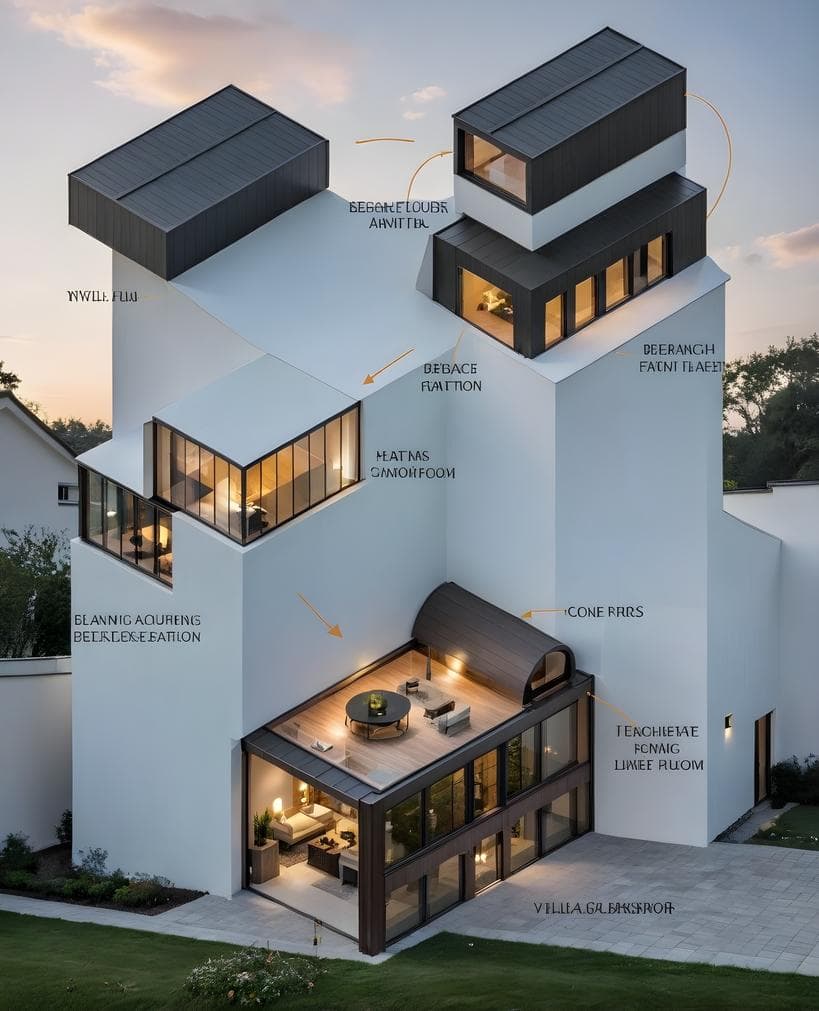
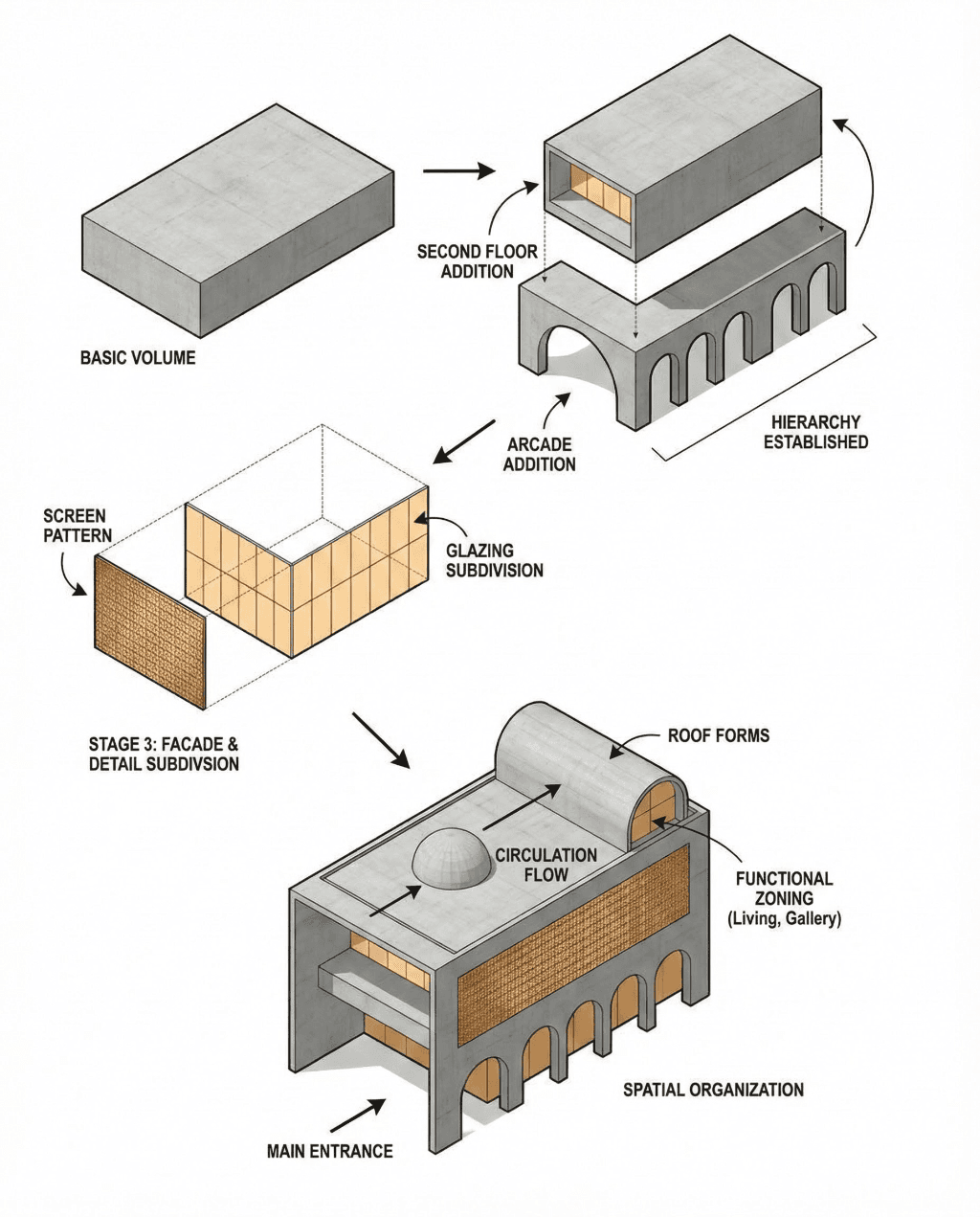
What you can explore
Develop a hand sketch
Use clear outlines and a readable perspective to give an early design a more realistic material and lighting direction.
Explore a model view
Export a screenshot from your modeling software, then describe facade materials and the setting you want to see.
Compare presentation moods
Try daylight, dusk or a different material palette while retaining the source drawing as your reference.
How to use AI Sketch to Render
- 1
Photograph or export a clean drawing as an image.
- 2
Choose a reference style if useful, and describe the building, materials and lighting.
- 3
Generate a render and check its geometry against your drawing before refining it.
A prompt to adapt to your image
Render this architectural sketch as a contemporary timber pavilion. Retain the main building silhouette, roofline and window arrangement. Add warm wood cladding, clear glazing, soft daylight and a restrained planted setting.
Example brief, not a guaranteed result. Edit it to match your source image.
Upload an image of your drawing or model view. Native CAD, BIM and 3D model files are not uploaded through this image tool, and output is not construction documentation.
Read the related workflow guide →Credits and getting started
New accounts receive 3 starter credits. The current image generator uses 1 credit for each submitted generation, including another attempt or revision. A finished design may need several attempts. Compare subscriptions and credit packs before purchasing more usage.
Frequently asked questions
What kind of sketch should I upload?
Use a clear photographed hand sketch, line drawing or model screenshot. Visible outlines and a consistent perspective make the design easier to interpret.
Can I upload a SketchUp or Revit file?
Export the required view as an image first. This workflow takes image references rather than native SketchUp or Revit project files.
Does AI rendering replace a detailed 3D model?
It helps explore appearance and communicate concepts. Keep your model and measured drawings for precise geometry, specifications and production work.