Explore the next version of your building
AI Architecture Rendering
Create architectural visual concepts from sketches, building photos and model screenshots. Explore facades, materials, lighting and context in one browser workflow.
3 starter credits on signup · 1 credit per image generation · No card to start
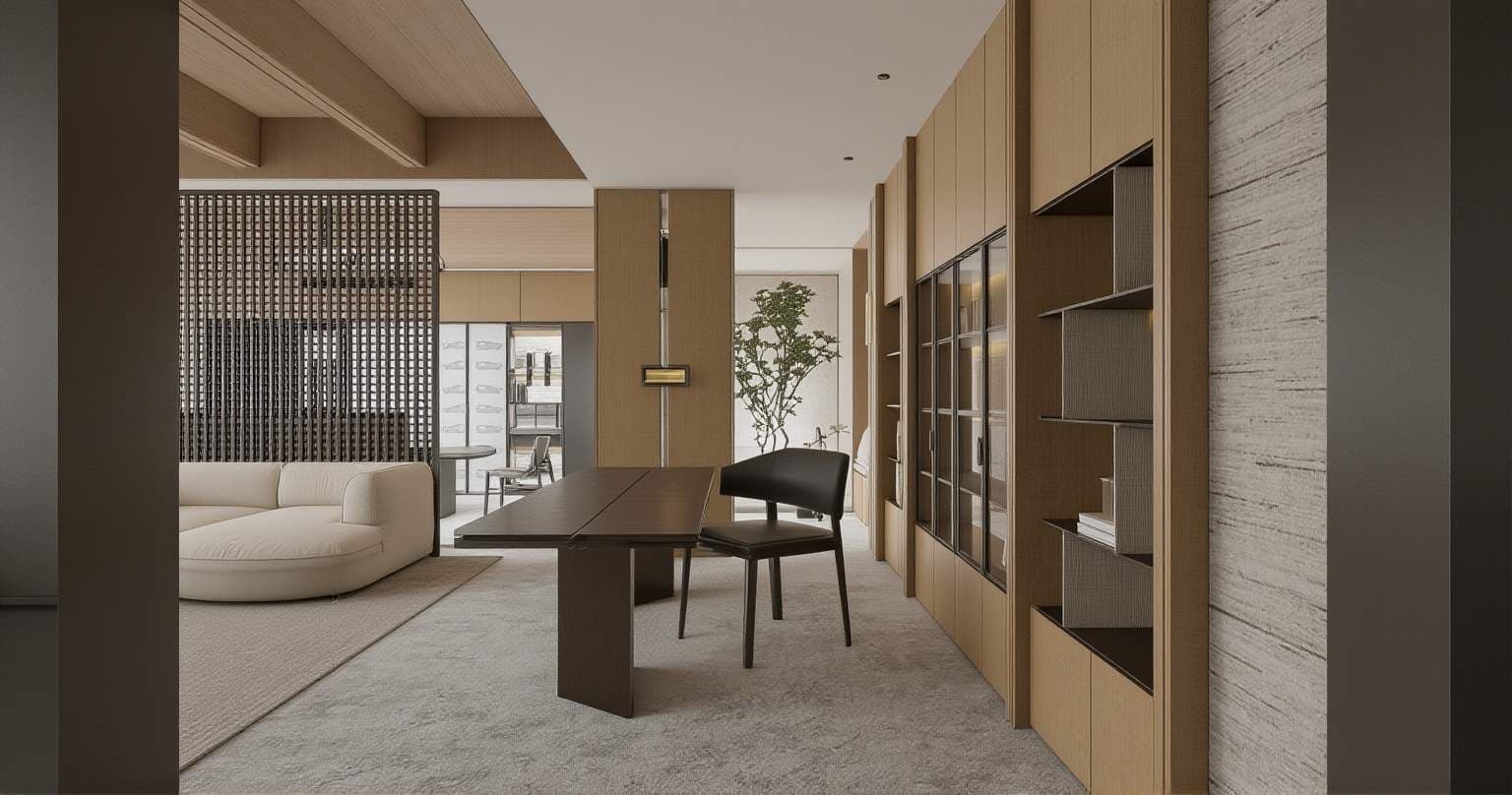
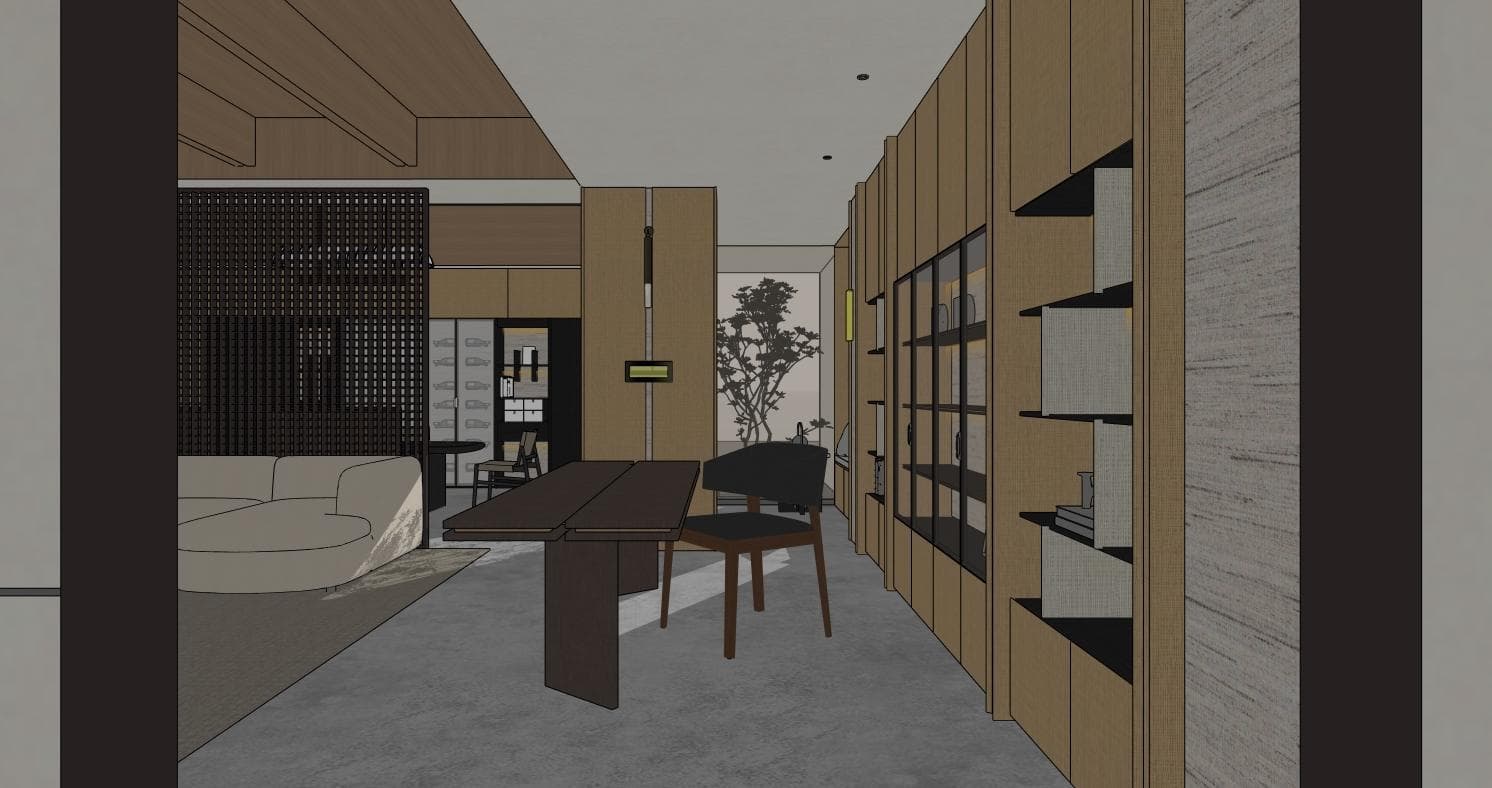
What you can explore
Present an exterior concept
Develop a basic model screenshot into a visual that communicates massing, facade character and atmosphere.
Explore facade materials
Compare stone, timber, glass or plaster directions before committing to detailed material specifications.
Review site context
Describe planting, surroundings and time of day to explore how the building reads in its setting.
How to use AI Architecture Rendering
- 1
Export a useful building view or upload a clear site photograph.
- 2
Describe the design intent, materials, lighting and elements that should remain.
- 3
Review the image with your source and use subsequent generations for specific changes.
A prompt to adapt to your image
Visualize this building as a contemporary residence with light stone cladding, dark window frames and timber accents. Retain the source massing and roofline. Use soft afternoon light and low native planting around the entrance.
Example brief, not a guaranteed result. Edit it to match your source image.
AI may reinterpret structural details. Validate geometry and materials against project drawings before presenting an image as a proposed design.
Read the related workflow guide →Credits and getting started
New accounts receive 3 starter credits. The current image generator uses 1 credit for each submitted generation, including another attempt or revision. A finished design may need several attempts. Compare subscriptions and credit packs before purchasing more usage.
Frequently asked questions
Can I render a screenshot from modeling software?
Yes. Export a view from your modeling software as an image and use it as the reference for an architectural concept.
Is this the same as a physically accurate render engine?
No. AI generates an interpretation of a reference and prompt. Use a conventional model-based renderer when exact geometry, lighting or material behavior is required.
Can I compare different facade ideas?
Generate separate concepts with one material direction at a time, save the results and review them beside the source image.