Your next design starts here
AI rendering for sketches, rooms & outdoor spaces.
Turn a drawing, room photo or model screenshot into a new design direction. Explore materials, furniture and atmosphere, then refine the version you like.
3 free starter credits · No credit card required
· 1 credit per image generation
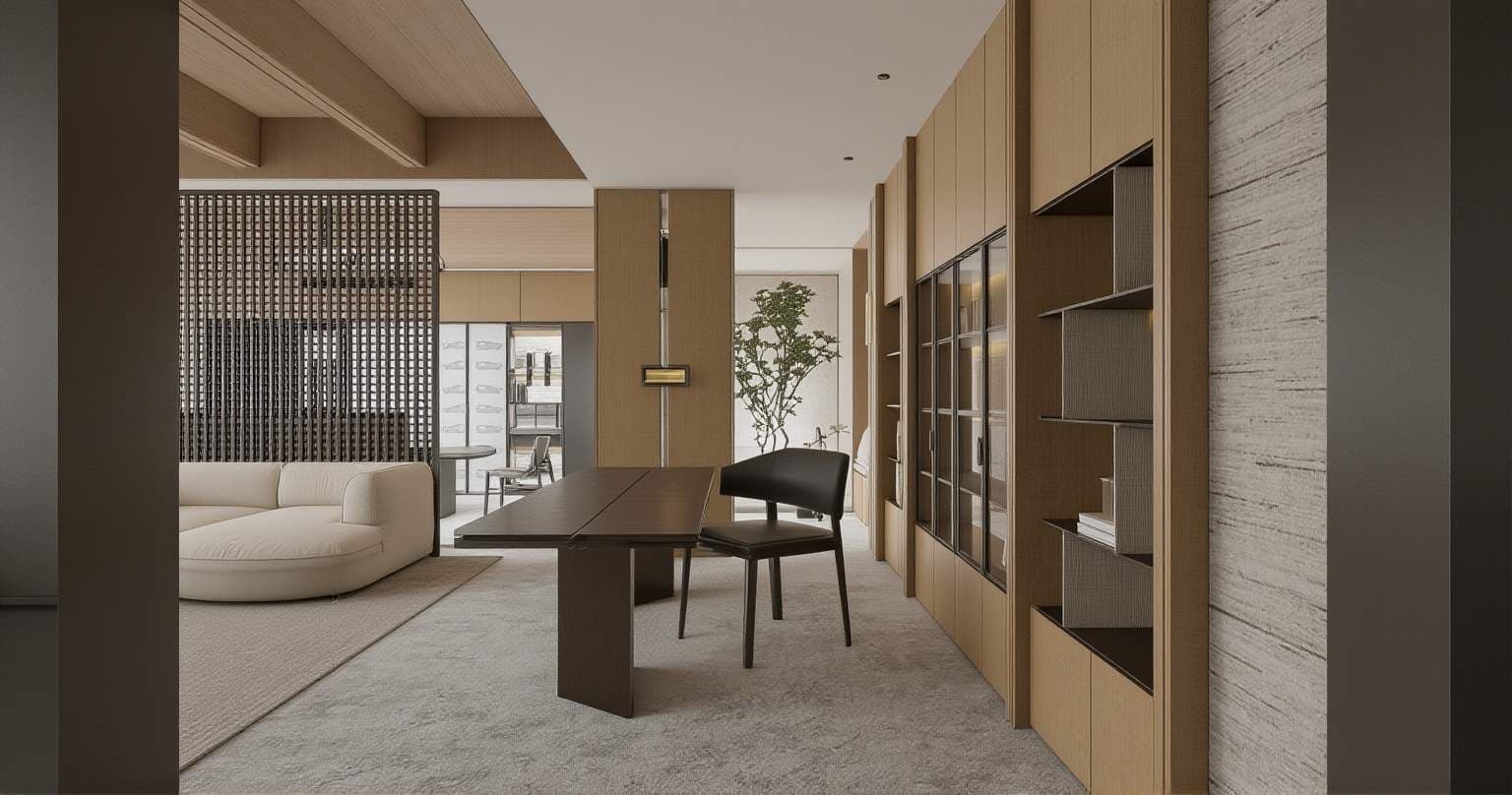
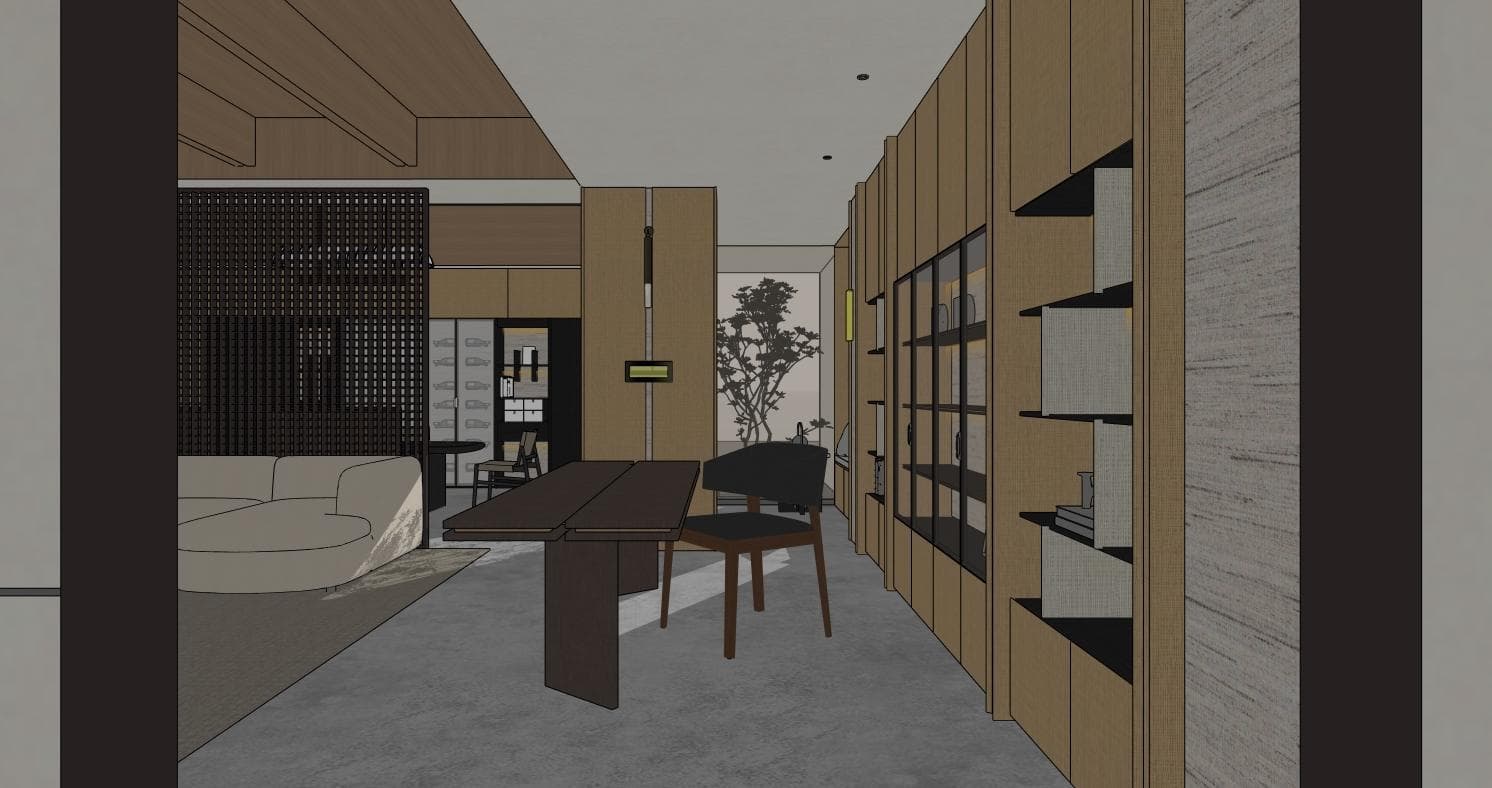
Start with your project
What would you like to design?
AI Interior Design & Room Redesign↗
Interior design concepts from your own space
02AI Sketch to Render↗
A rendered interpretation of your design
03AI Architecture Rendering↗
Architecture visualization for concept review
04AI Virtual Staging for Empty Rooms↗
A furnished room visualization
05AI Landscape & Garden Design↗
Outdoor design and planting concepts
06AI House Exterior Design & Renovation↗
Facade and exterior renovation concepts
01 · Upload
Start from a clear sketch, room photo or model screenshot.
02 · Describe
Choose a tool and describe the materials, style and changes you want.
03 · Compare
Review the result beside your source, then refine your next version.
Explore before & after examples
Browse existing product examples. Open a card to view the reference and design brief.
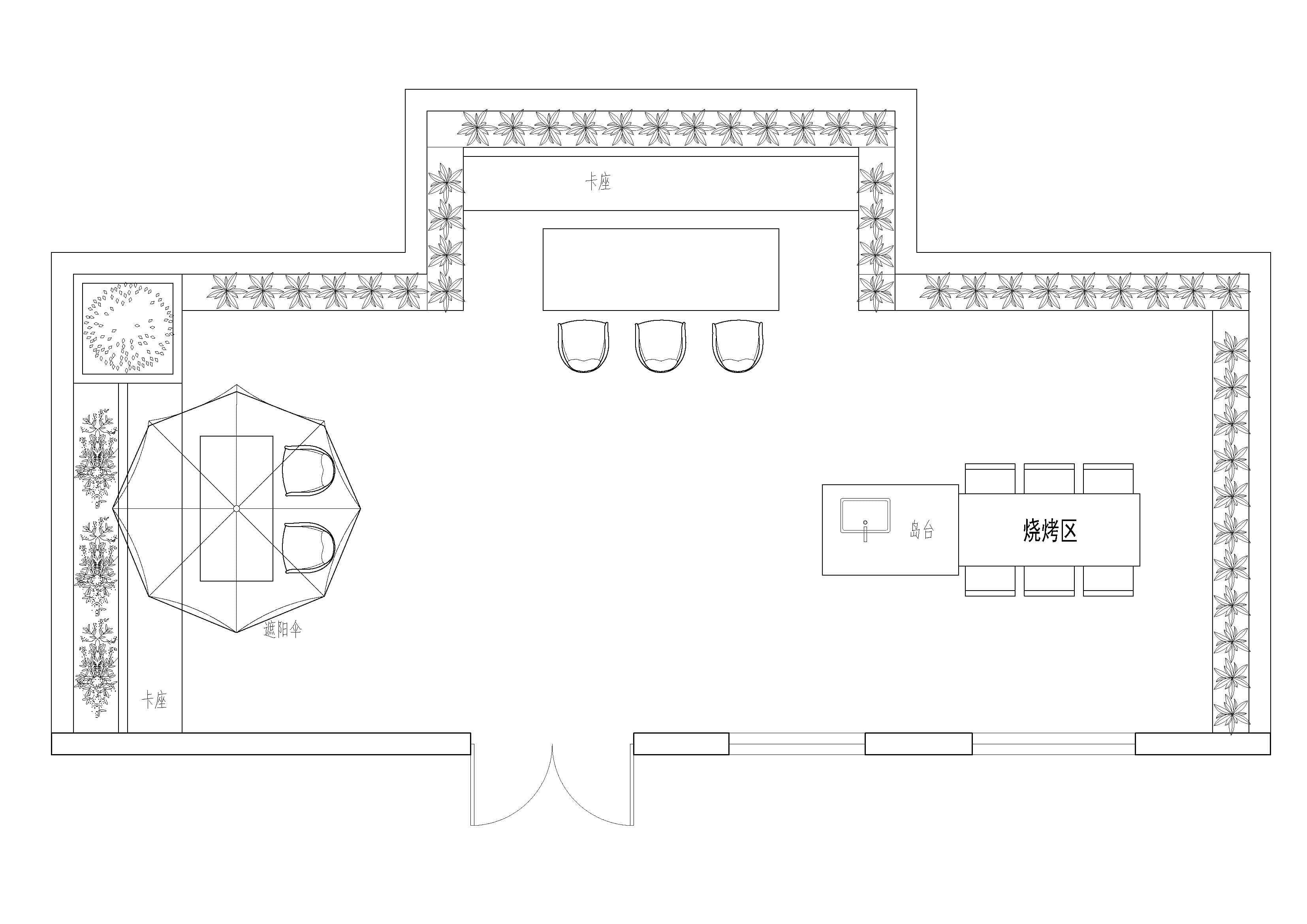
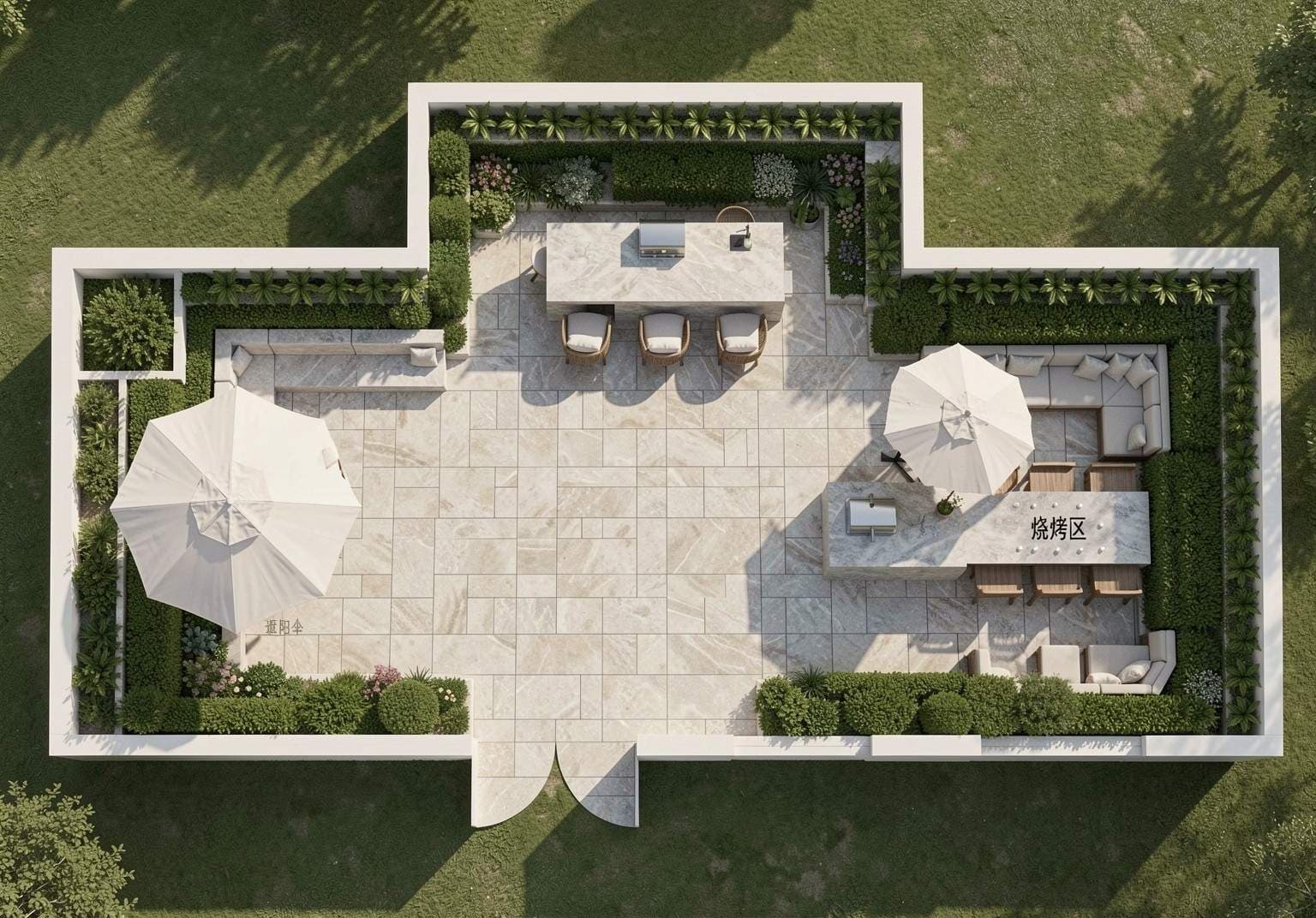
Color Plan
Courtyard Leisure Aerial View
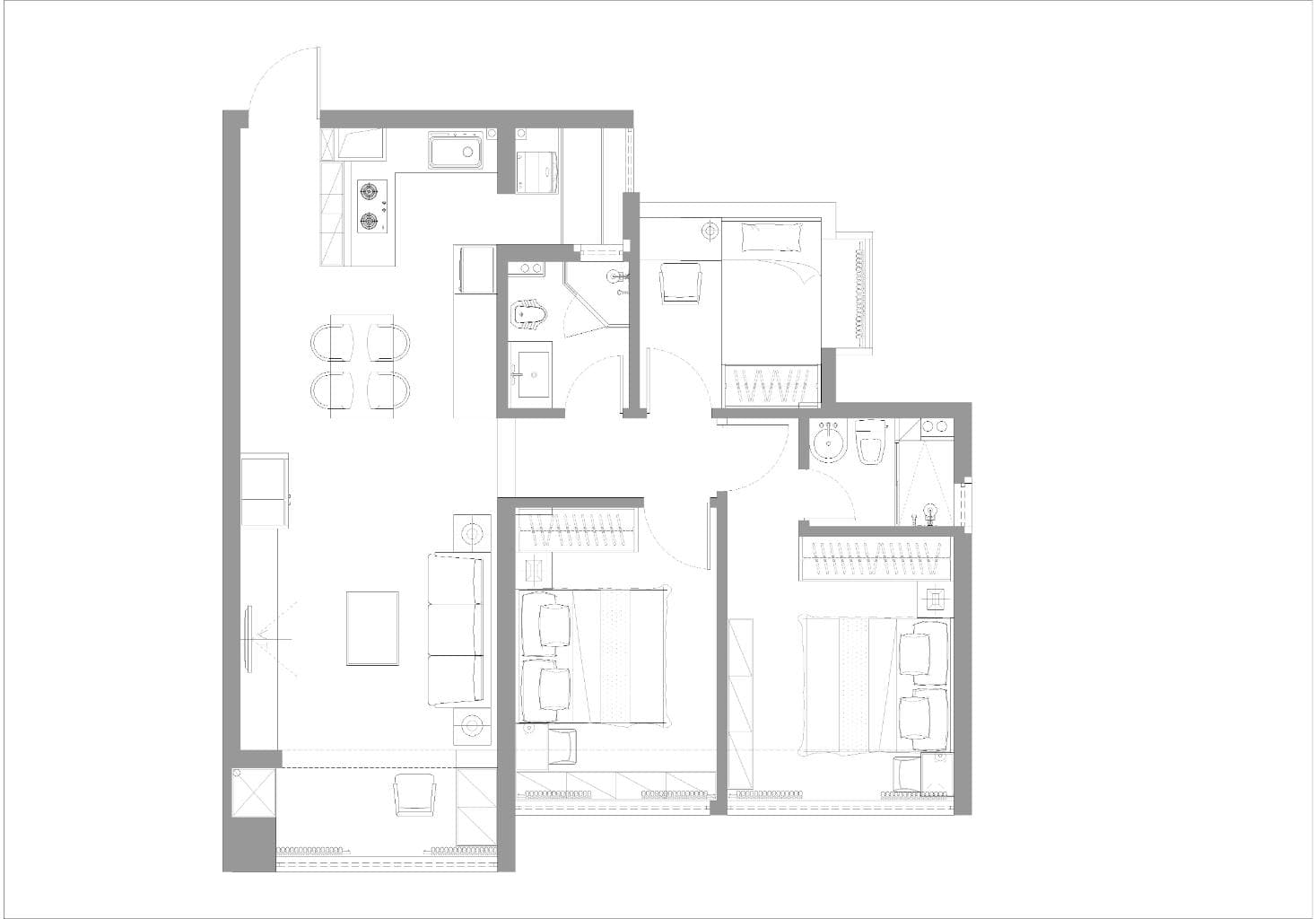
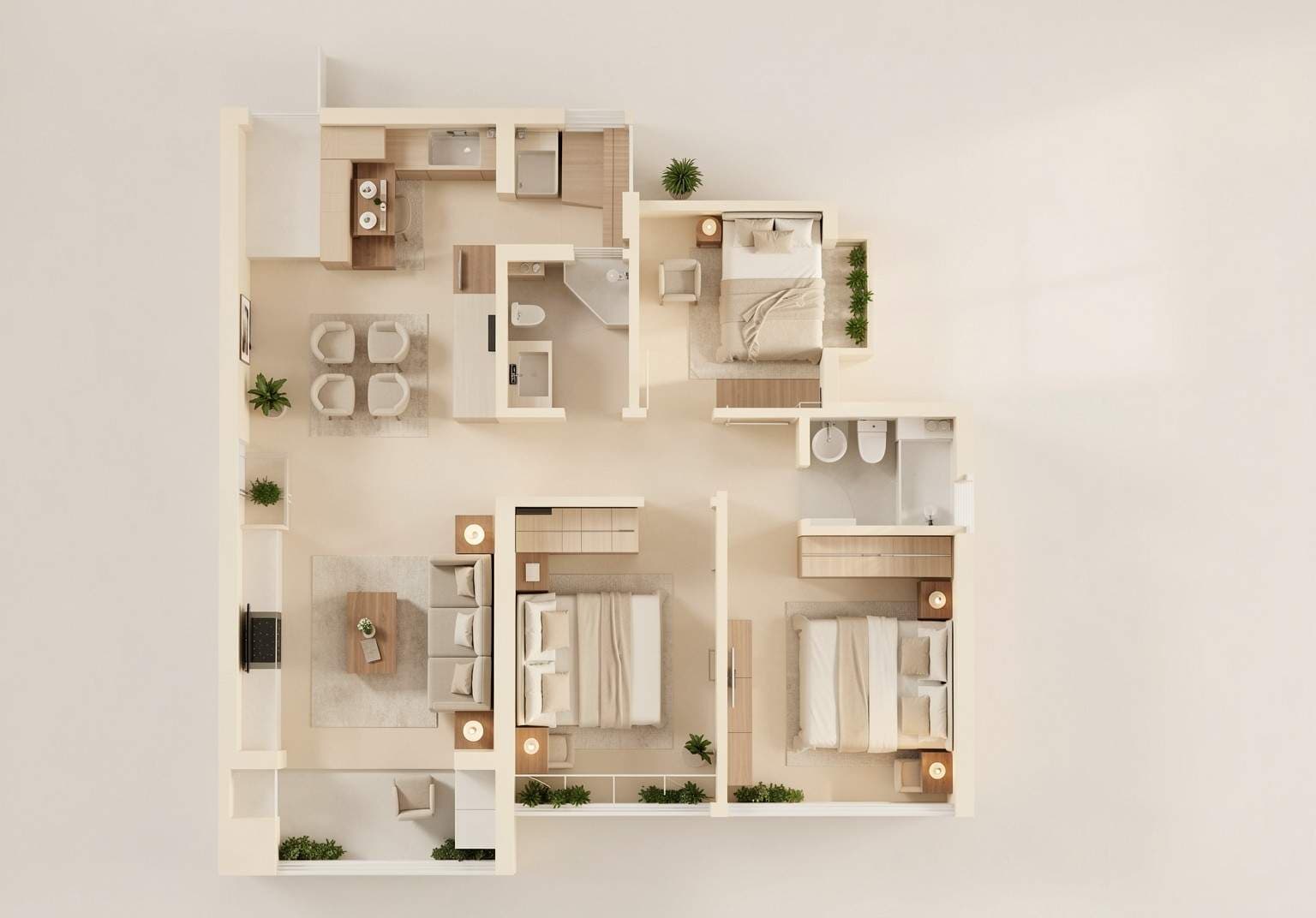
Color Floor Plan
Color Floor Plan
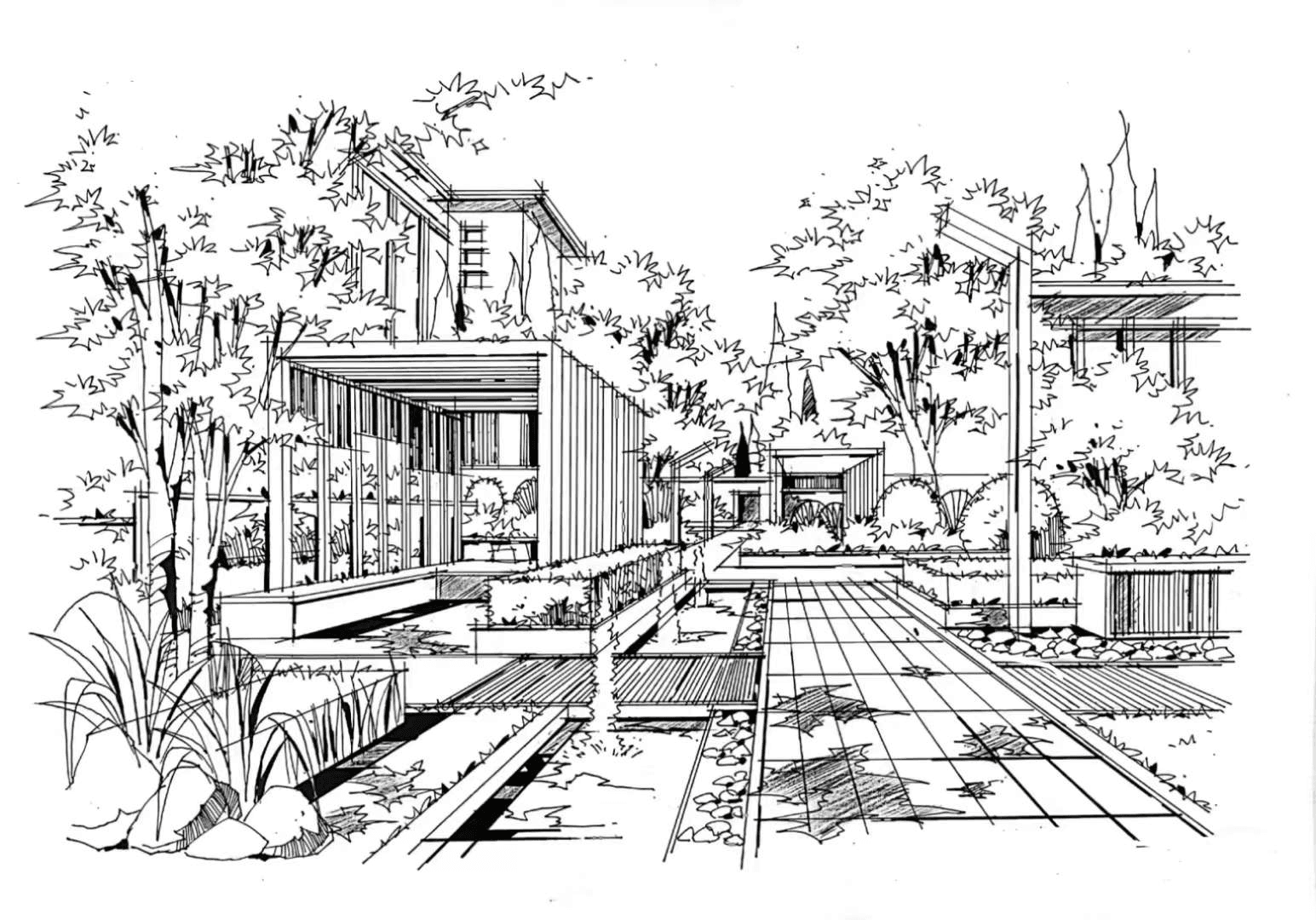
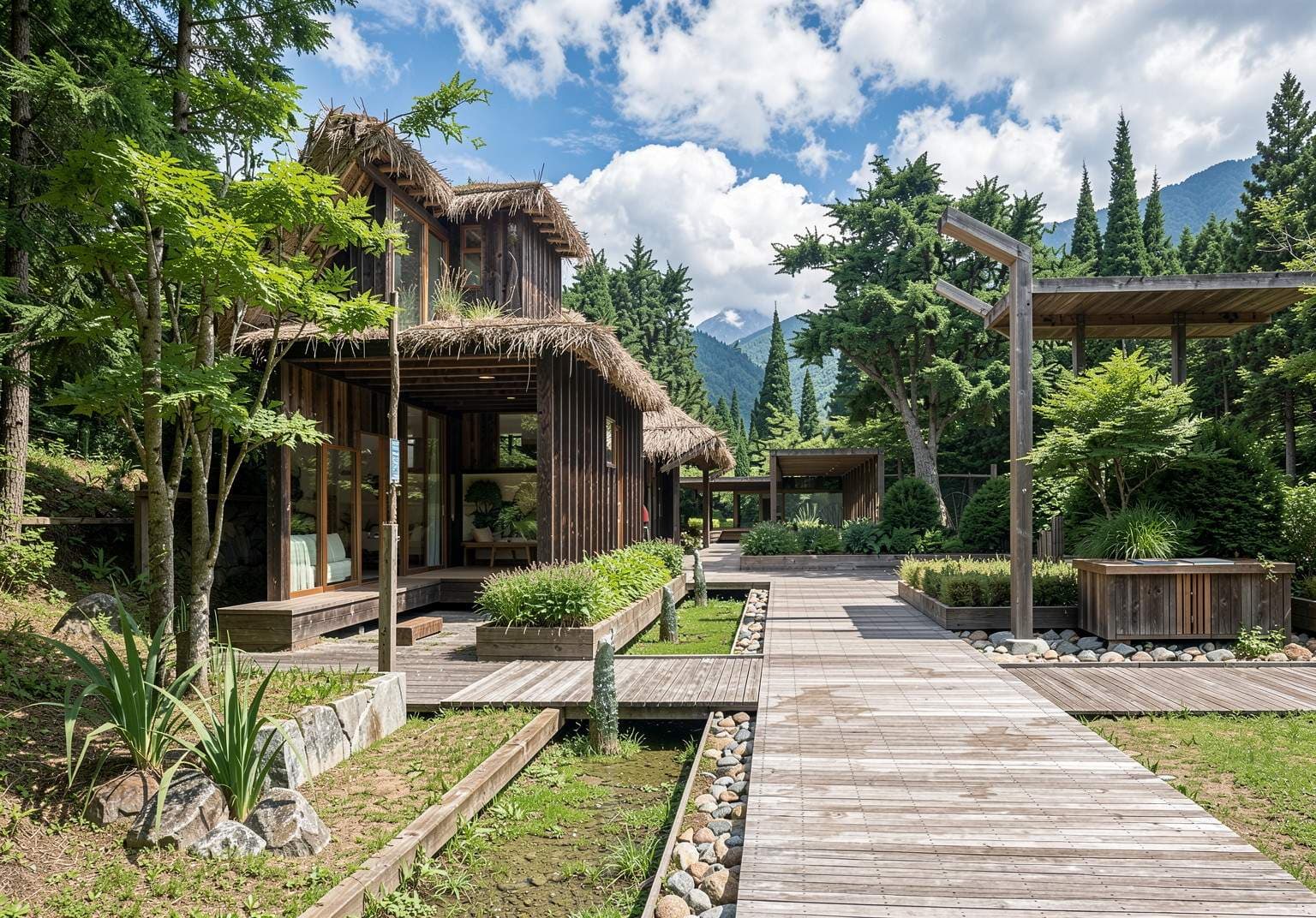
Landscape Render
Retro Vacation Resort
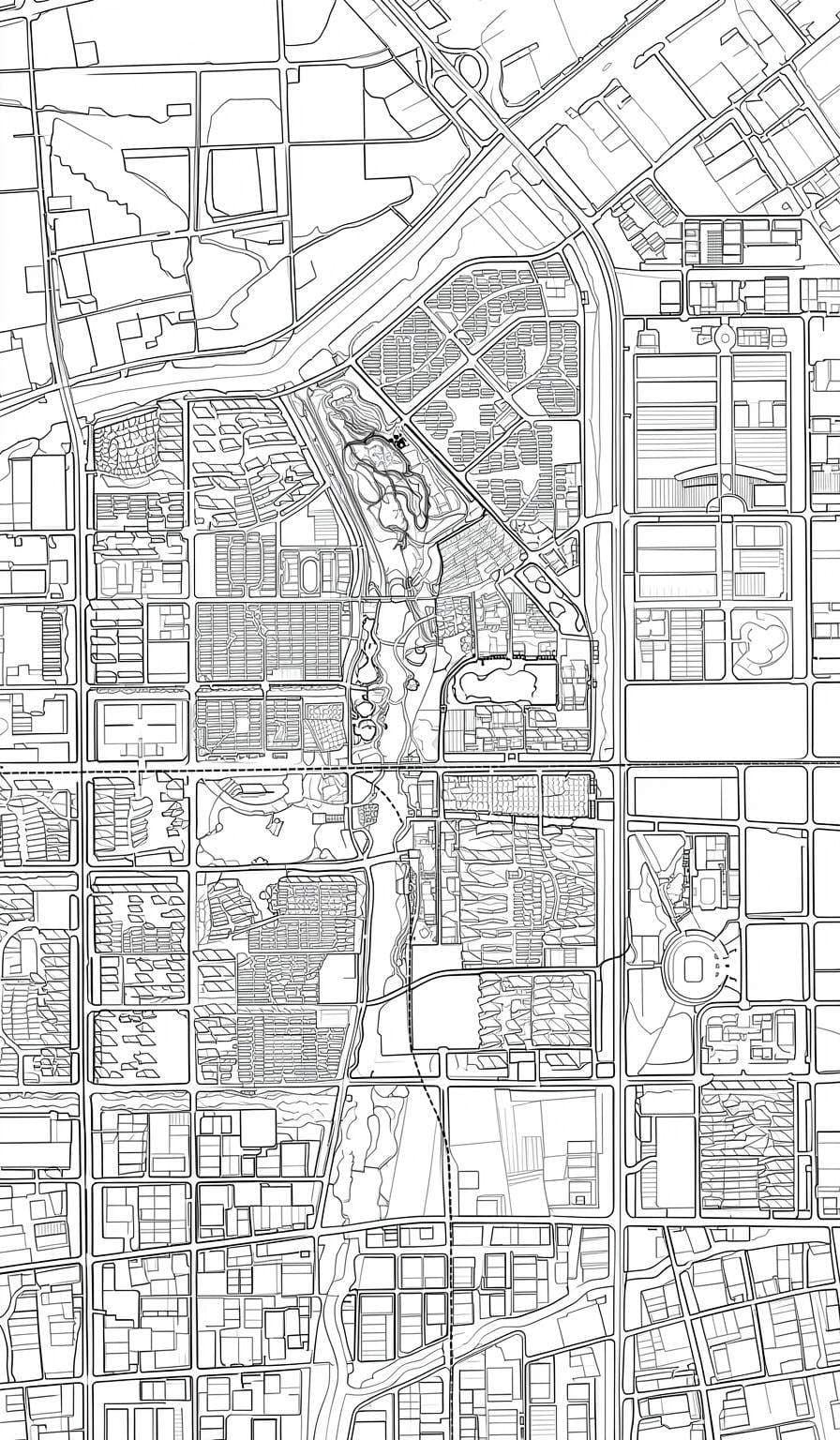

Color Plan
Lineart to Color Plan
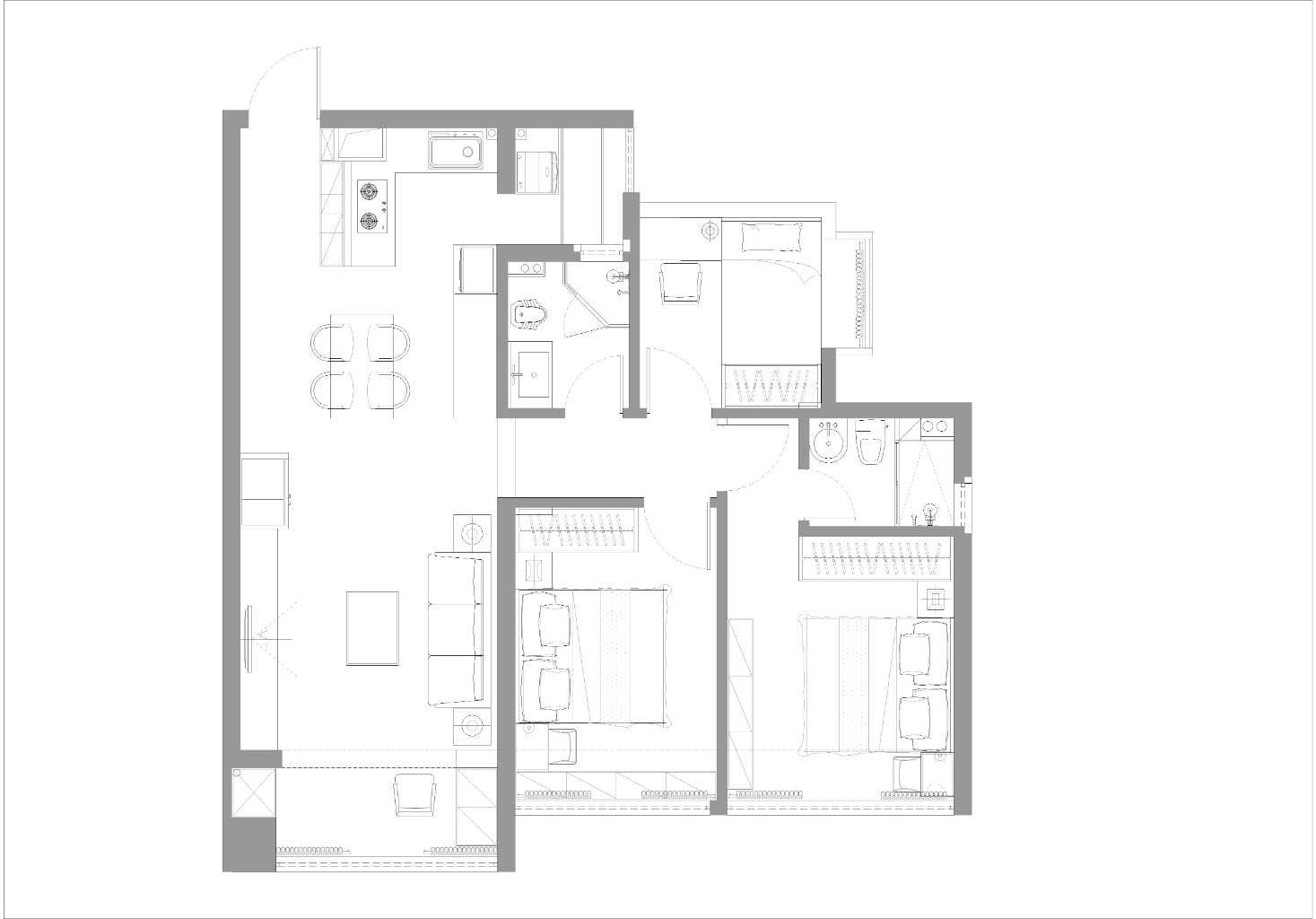
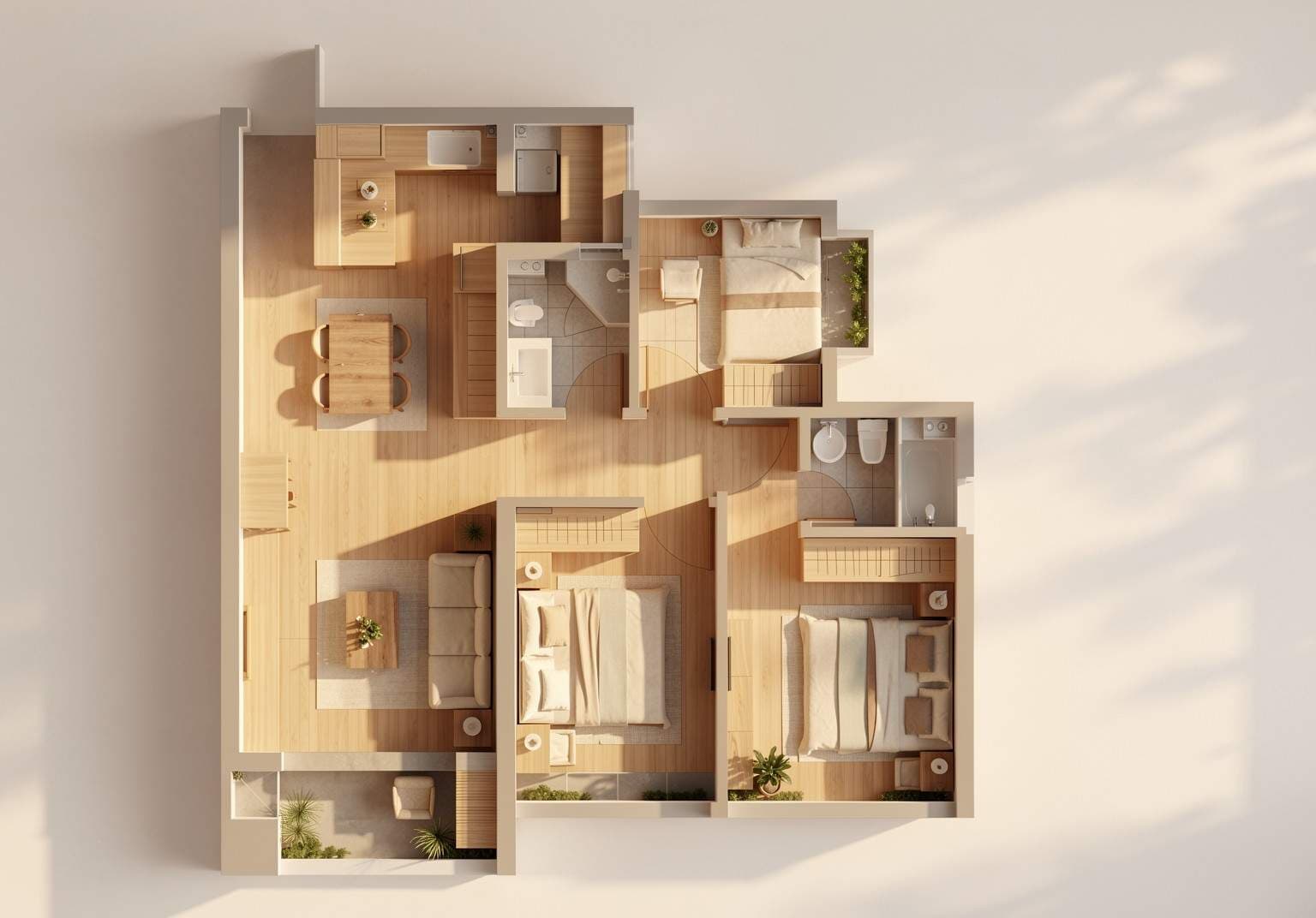
Color Floor Plan
Zen Style
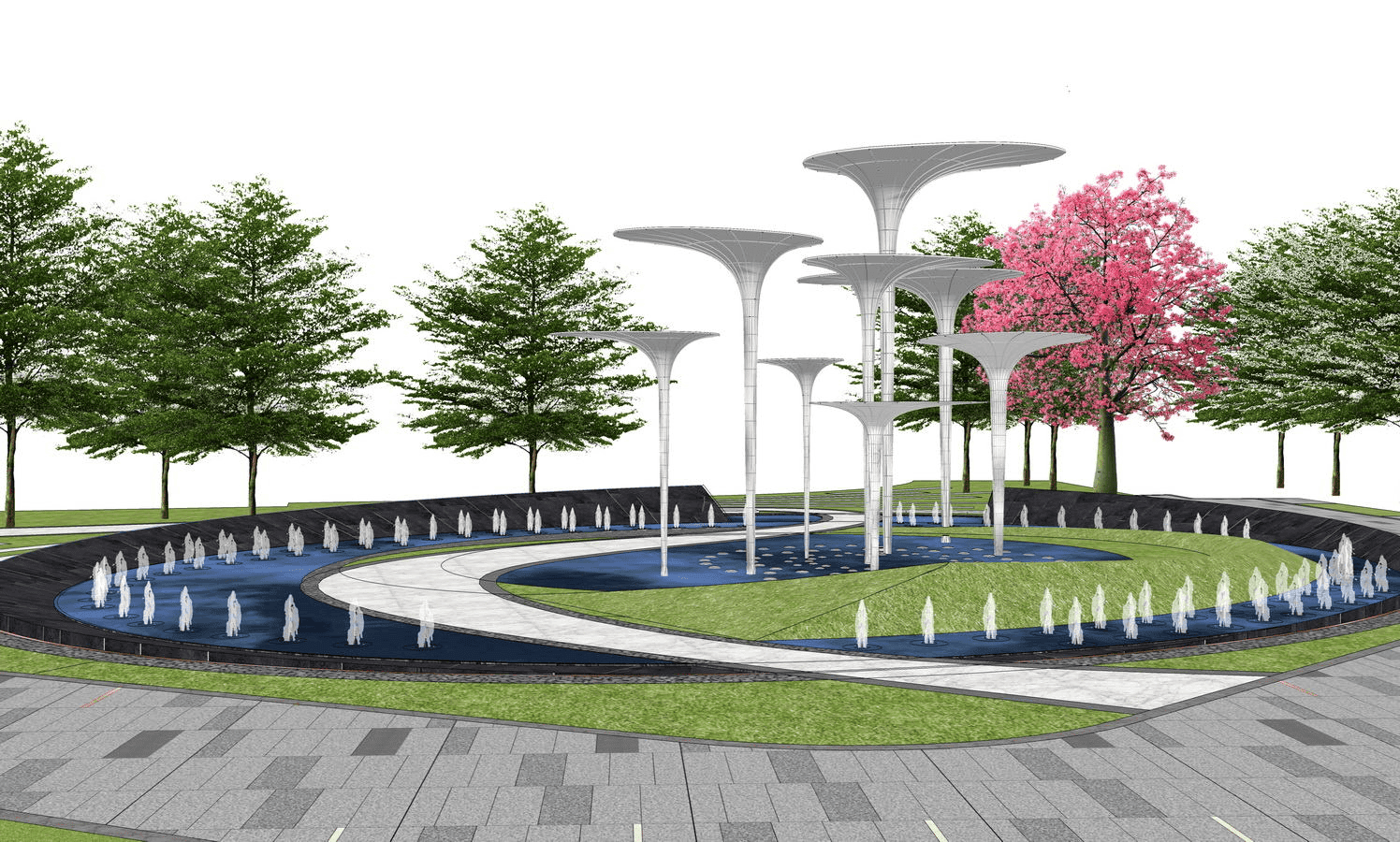

Landscape Render
Summer Vibes
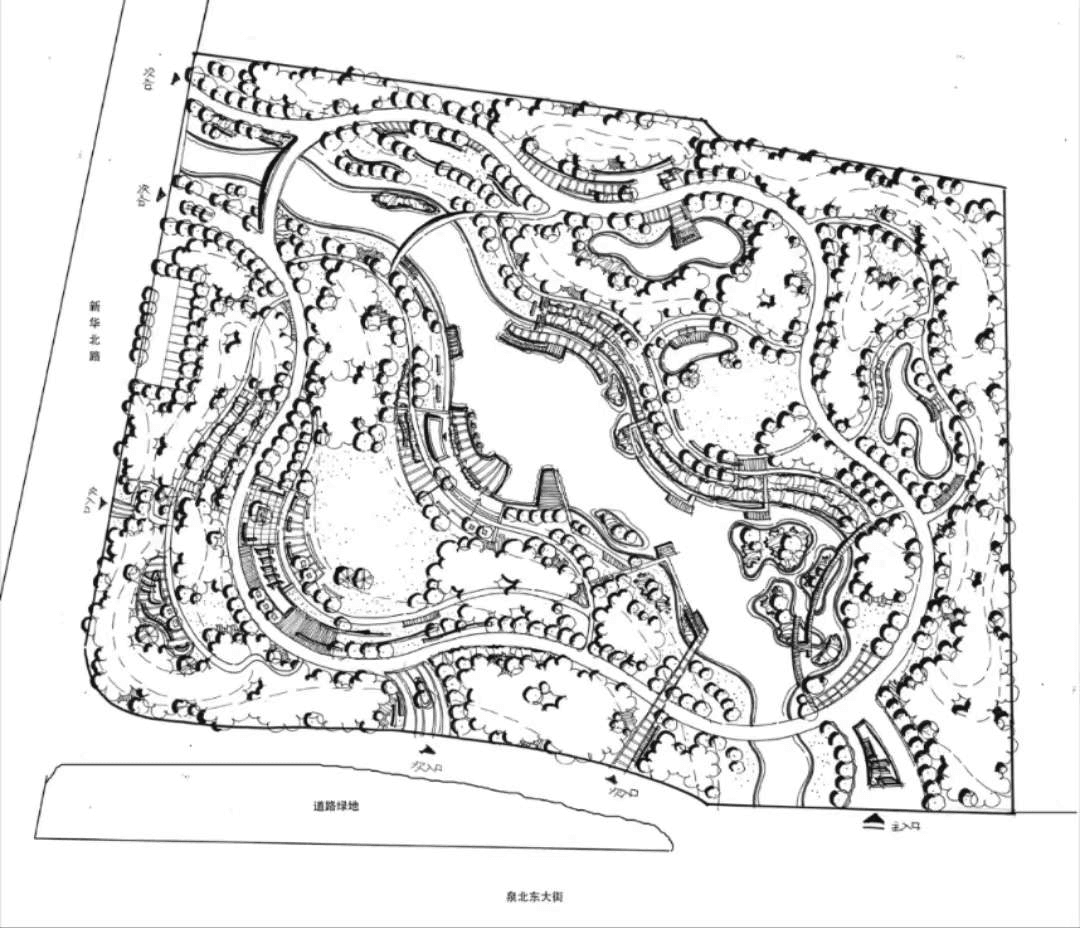

Color Plan
City Aerial View
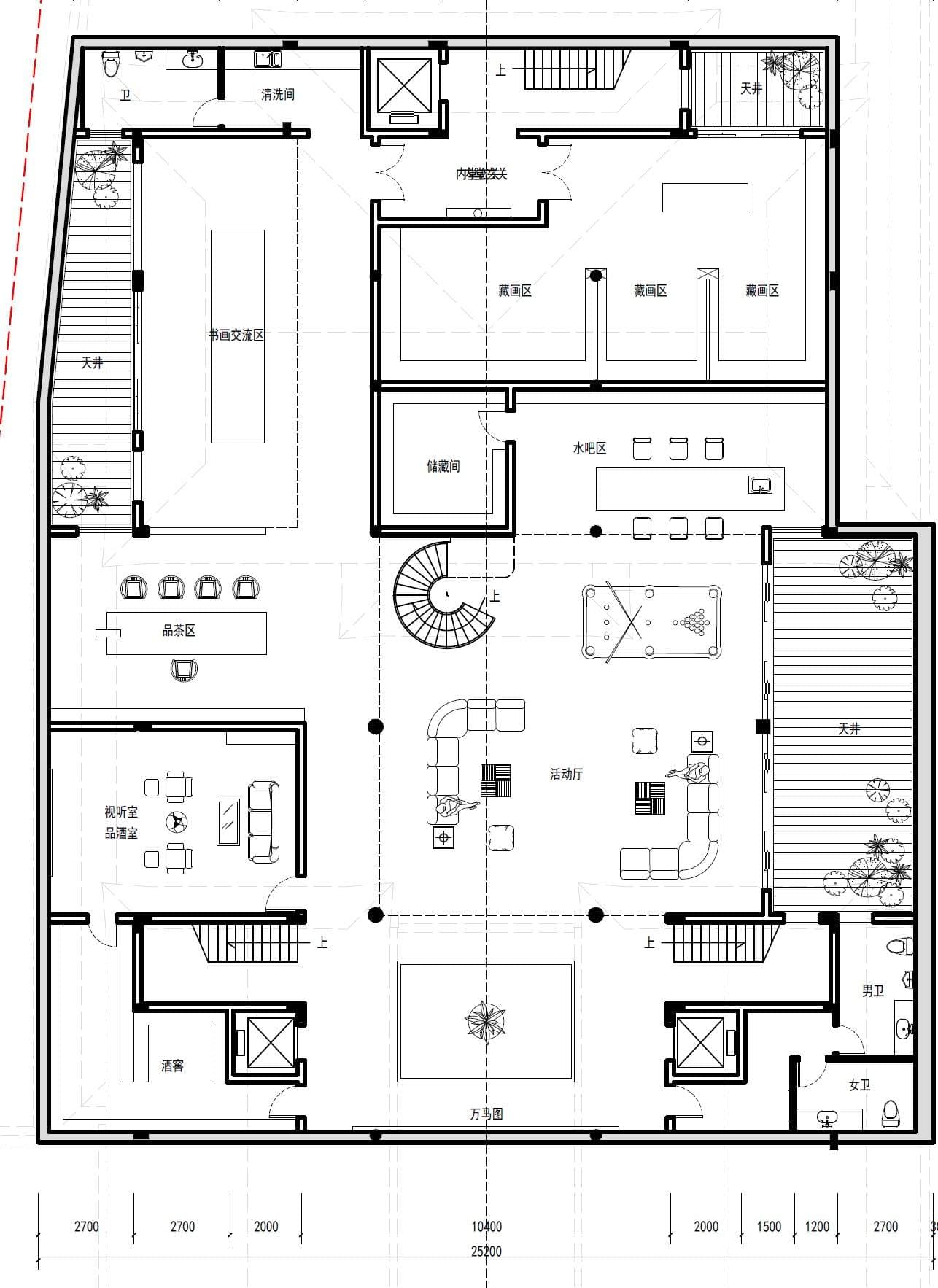
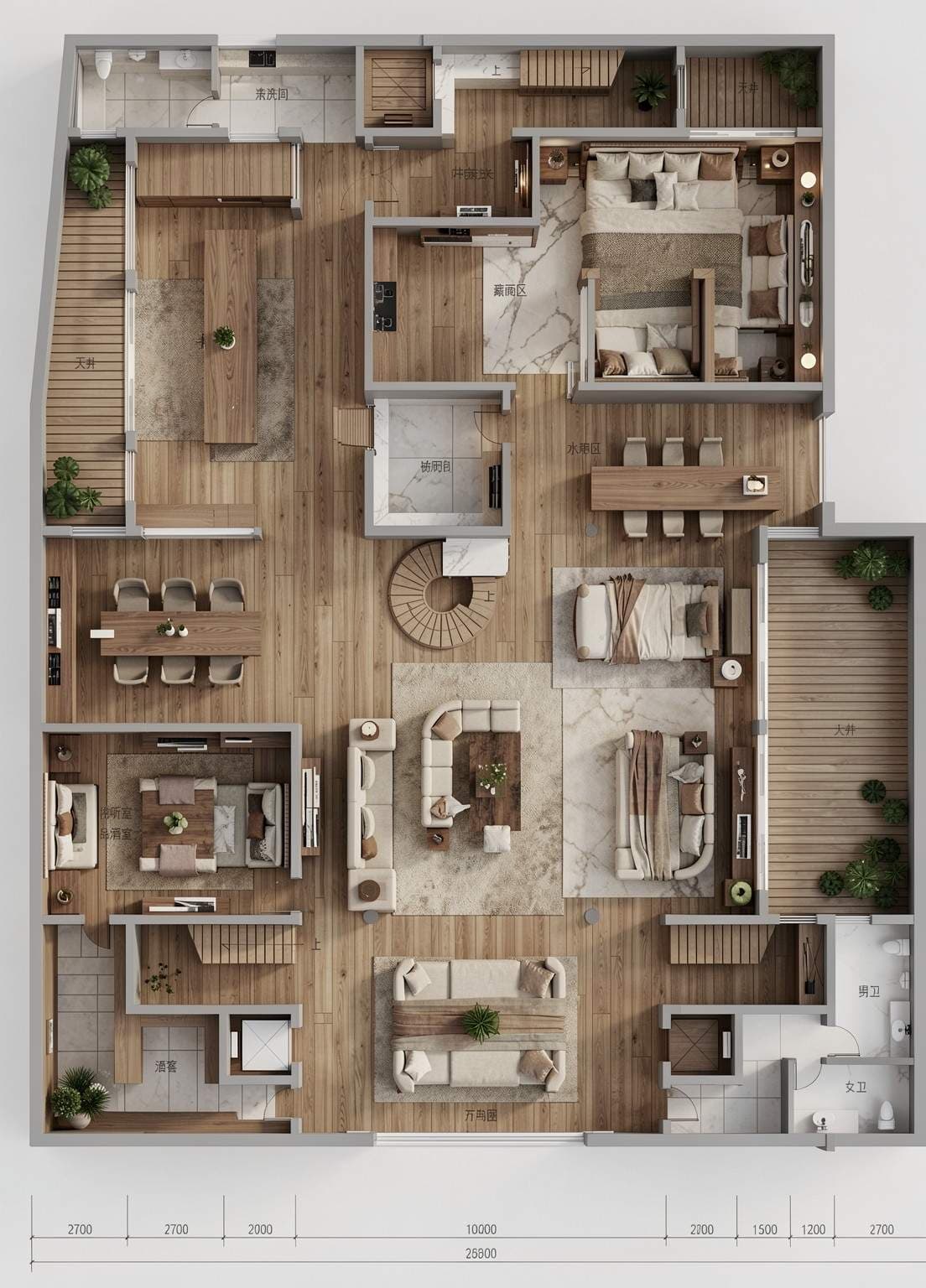
Color Floor Plan
Color Floor Plan
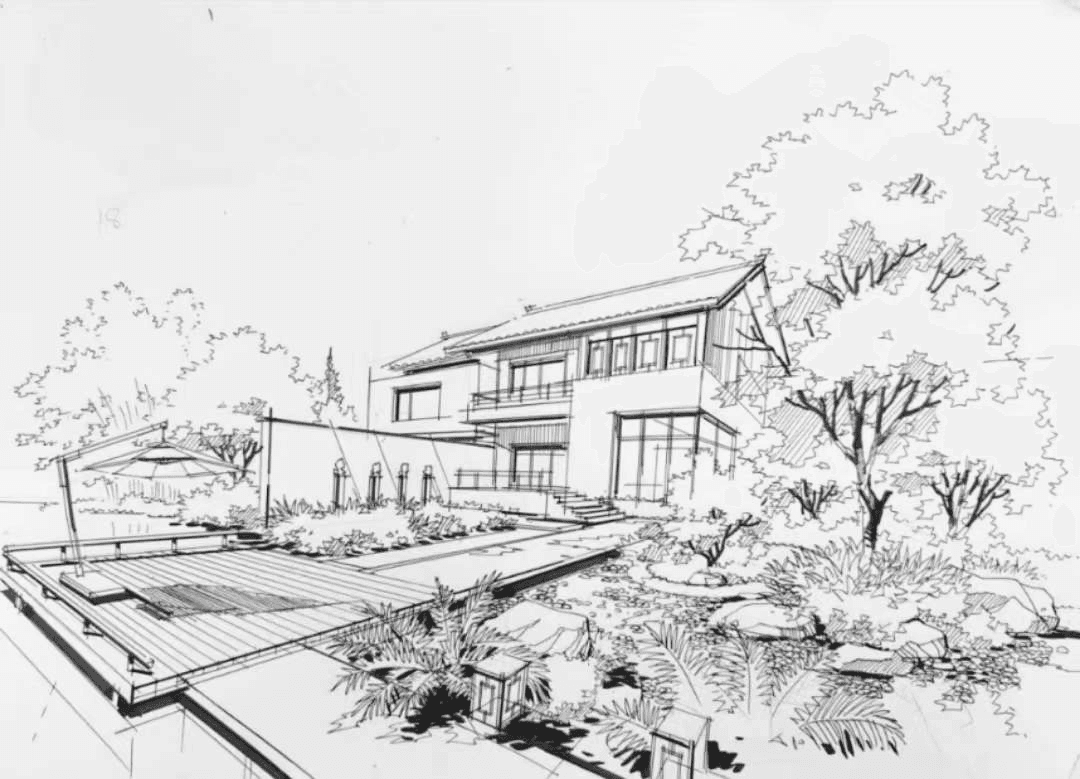
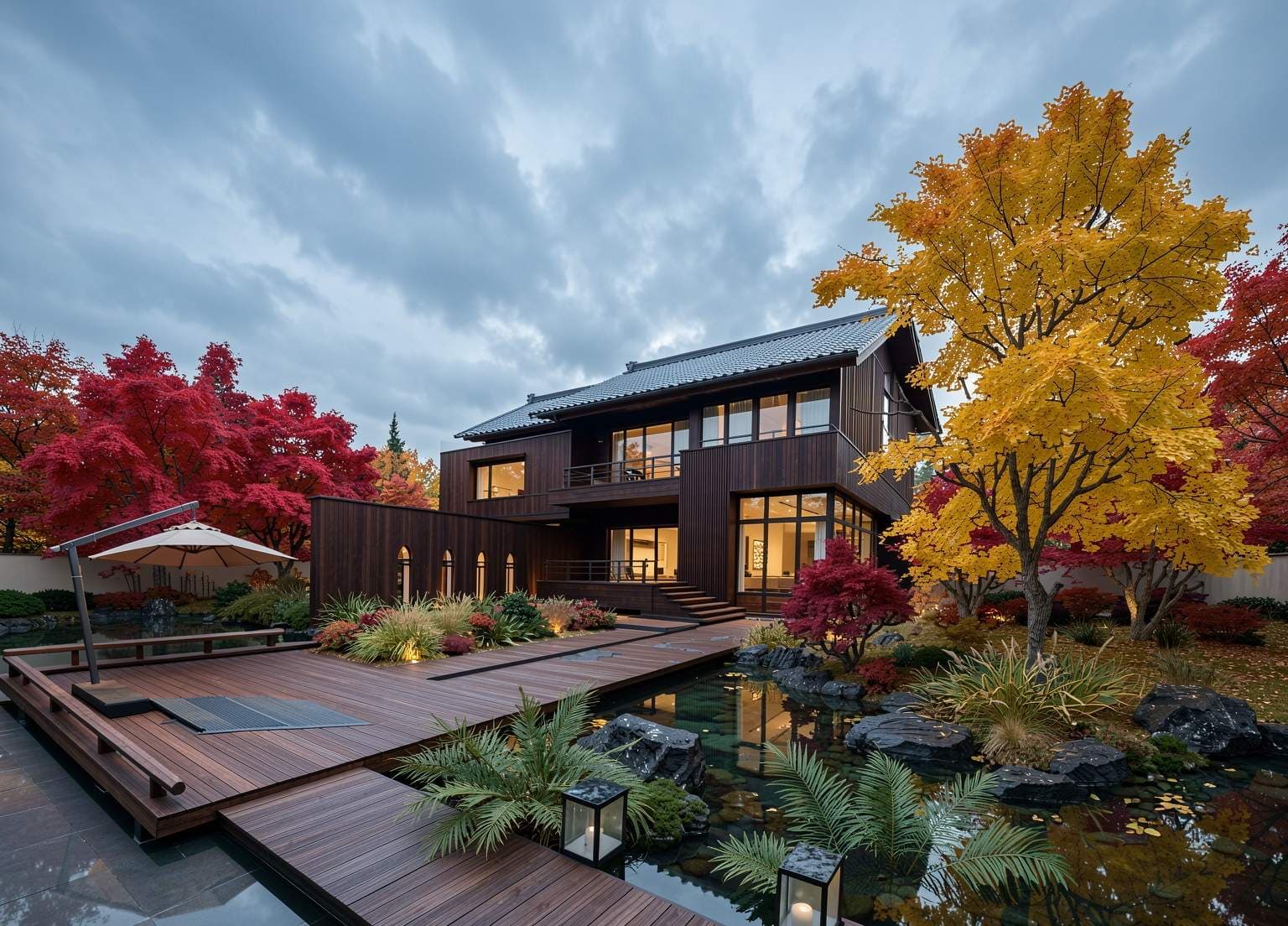
Landscape Render
Autumn Ambiance
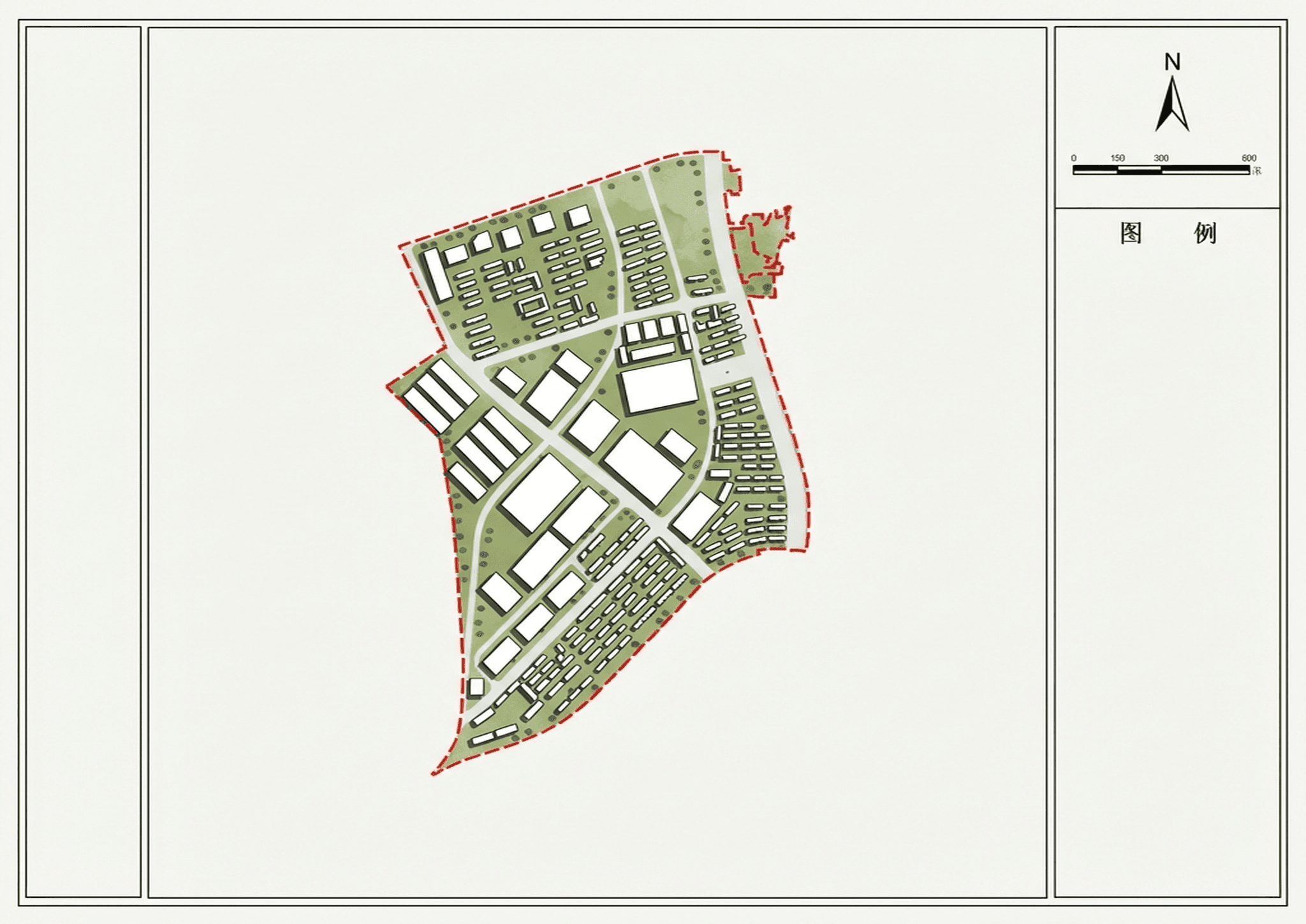
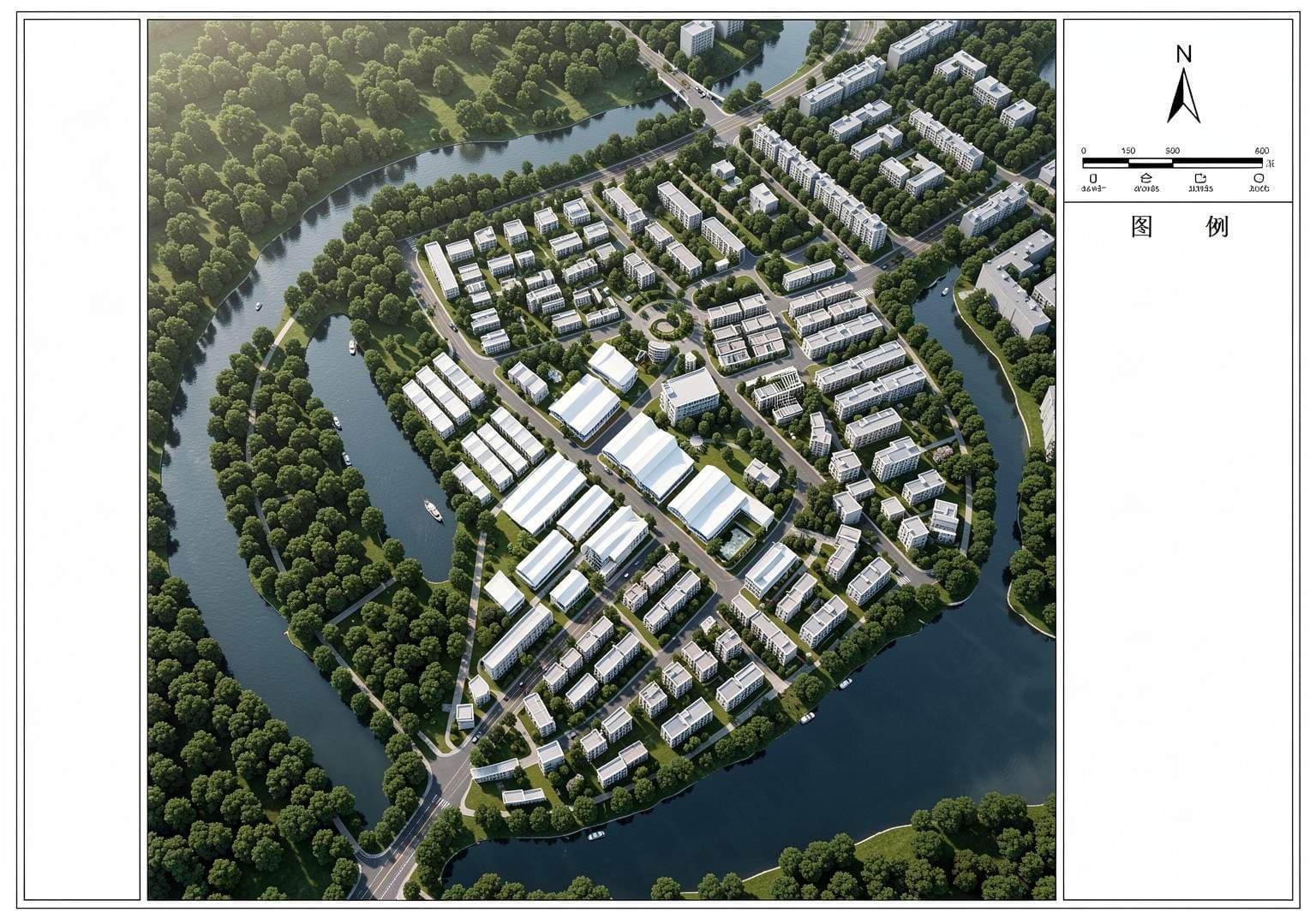
Color Plan
Townhouse District
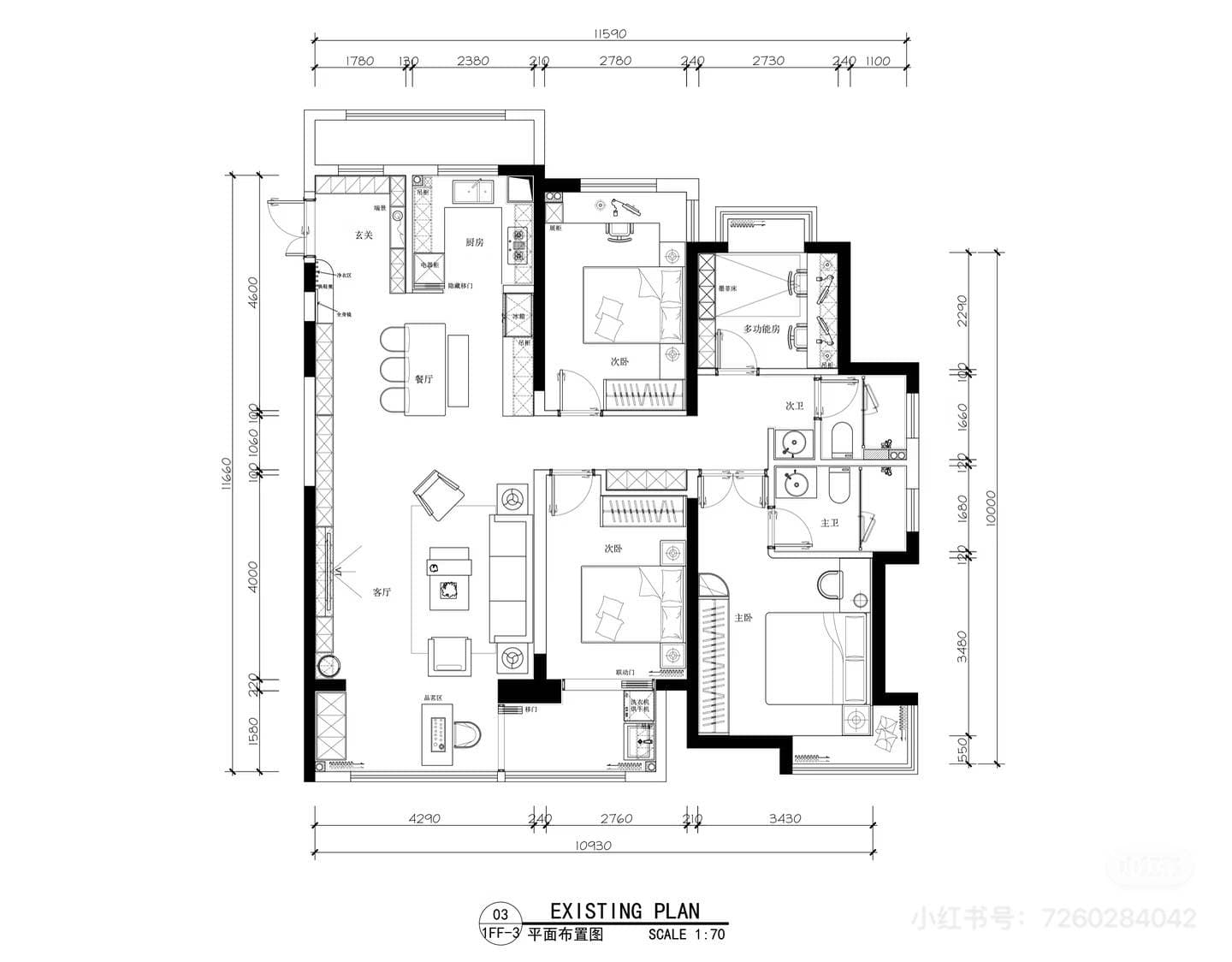
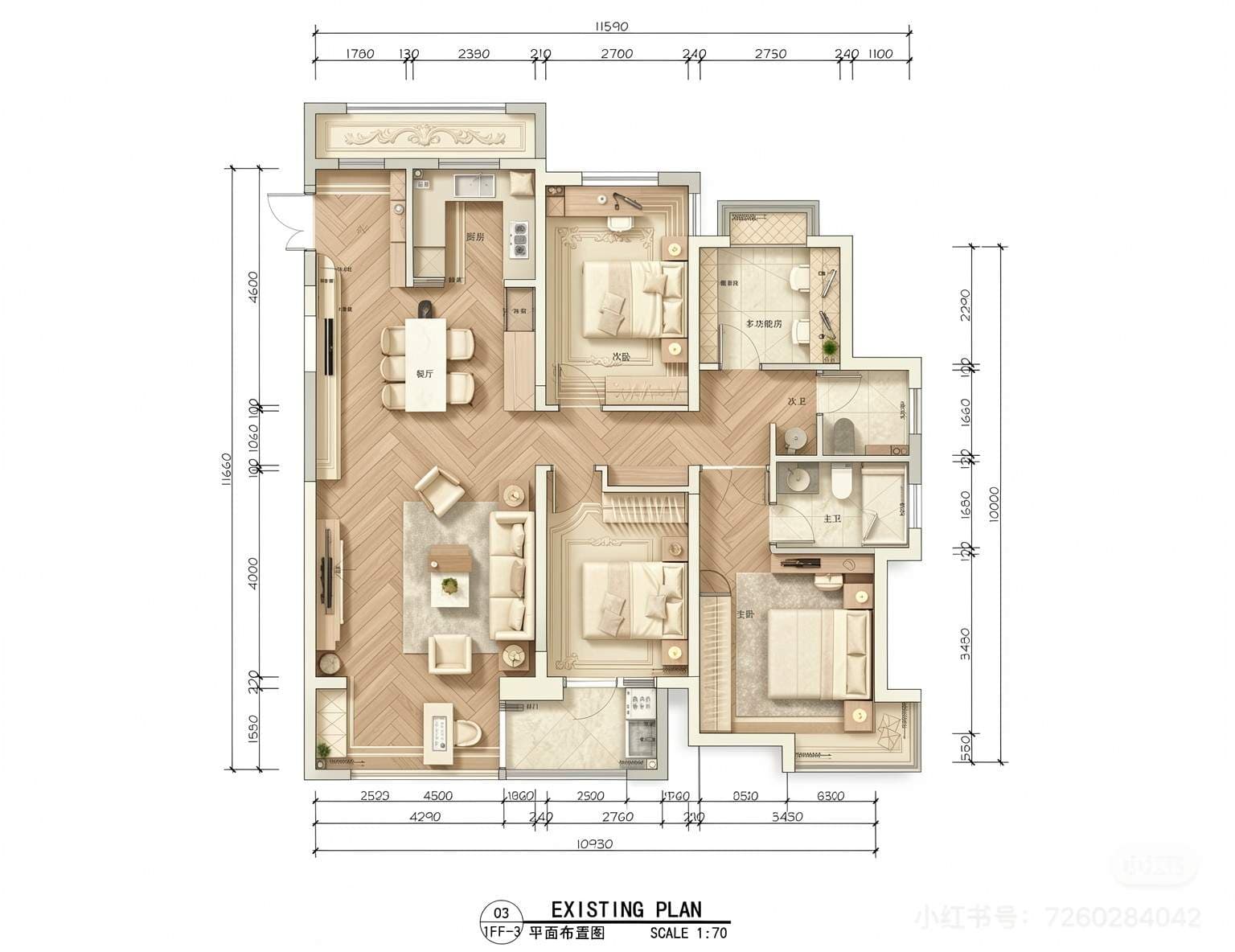
Color Floor Plan
Modern French Style
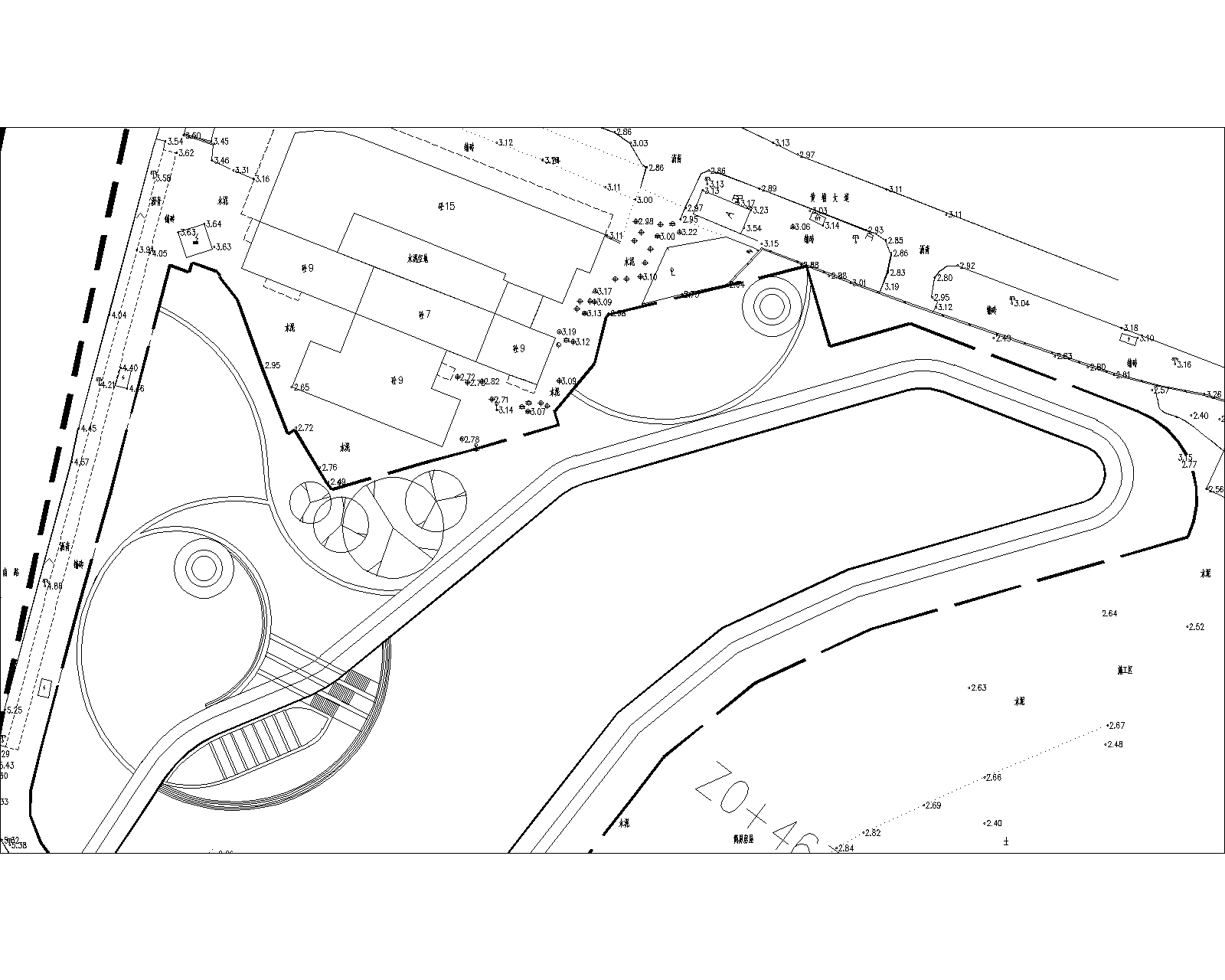
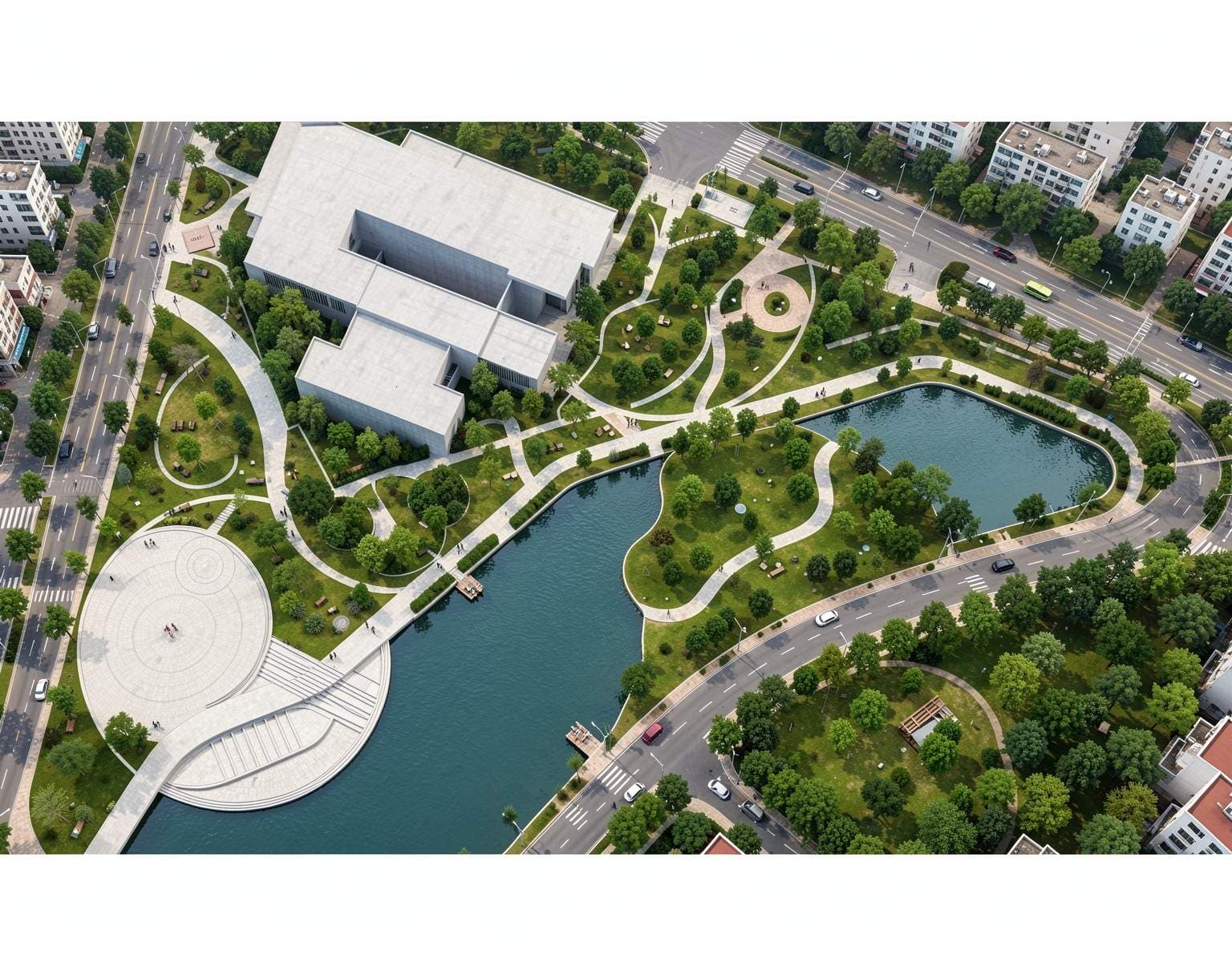
Color Plan
Waterfront
Design ideas you can compare, refine and explain.
Architecture visualization
Explore facade materials and lighting from sketches or model screenshots. Keep your measured drawings as the reference for geometry.
Explore sketch to render →Interior design from a photo
Test a furnishing direction, compare finishes or visualize an empty room. Review each output before choosing products or starting work.
Explore virtual staging →Gardens and outdoor spaces
Explore planting character, paths and seating from a garden photo or drawing. Use the concept as a starting point for detailed planning.
Explore landscape design →Frequently asked questions
What can I create with Home AI Studio?
Explore architectural renderings, room redesigns, empty-room furnishing and landscape concepts from images and a written brief. Choose a tool that matches your design task.
Can I try AI home design for free?
New accounts receive 3 starter credits without a credit card. The current image generator uses 1 credit per submitted generation. The starter allowance is not a monthly renewal.
What should I upload?
Start with a clear JPG, PNG or WebP image of your sketch, room, building or outdoor space. For CAD or 3D models, export the view as an image first.
Will AI preserve every dimension and fixed feature?
Not necessarily. Describe the features you want to retain, then compare the result with the source. AI images are visual concepts, not measured plans or construction drawings.
How long does an image take to generate?
Generation time varies with the request and provider load. The tool shows a processing state while your image is being prepared; a fixed completion time is not guaranteed.
How do I choose between a subscription and a credit pack?
Use starter credits to try your workflow first. Review current prices and allowances on the pricing page. One-time credit packs are available for projects that do not need a subscription.
Practical design guides
All articles →how to
AI Home Design: How to Plan a Cohesive Look Across Your Home
Use AI home design to coordinate colors, materials, and furniture across rooms. Follow a practical workflow with a shared design brief and example prompts.
cost
Free AI Home Design: What You Can Create and What's Included
Explore free AI home design with Home AI Studio. Understand credits, export limits, useful design tasks, and when a paid plan makes sense for your project.
how to
How to Use AI to Decorate My Room: Furniture, Colors and Styles
Use AI to explore room decor with your existing furniture. Get practical prompts for colors, rugs, lighting, and style changes before you buy anything.
Start with one image and one design question.
Try 3 starter credits, then decide how the workflow fits your project.
Choose a design tool →