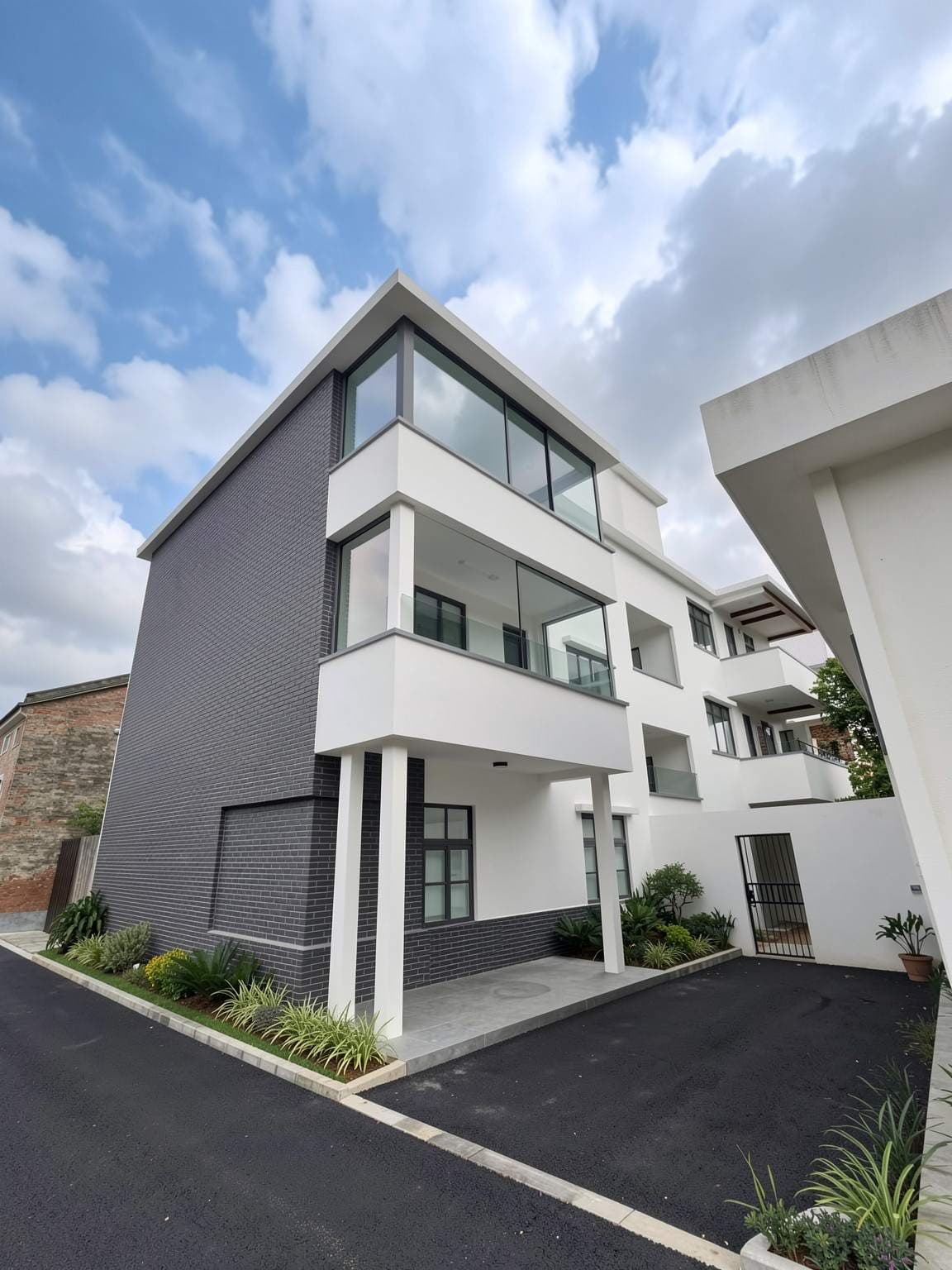
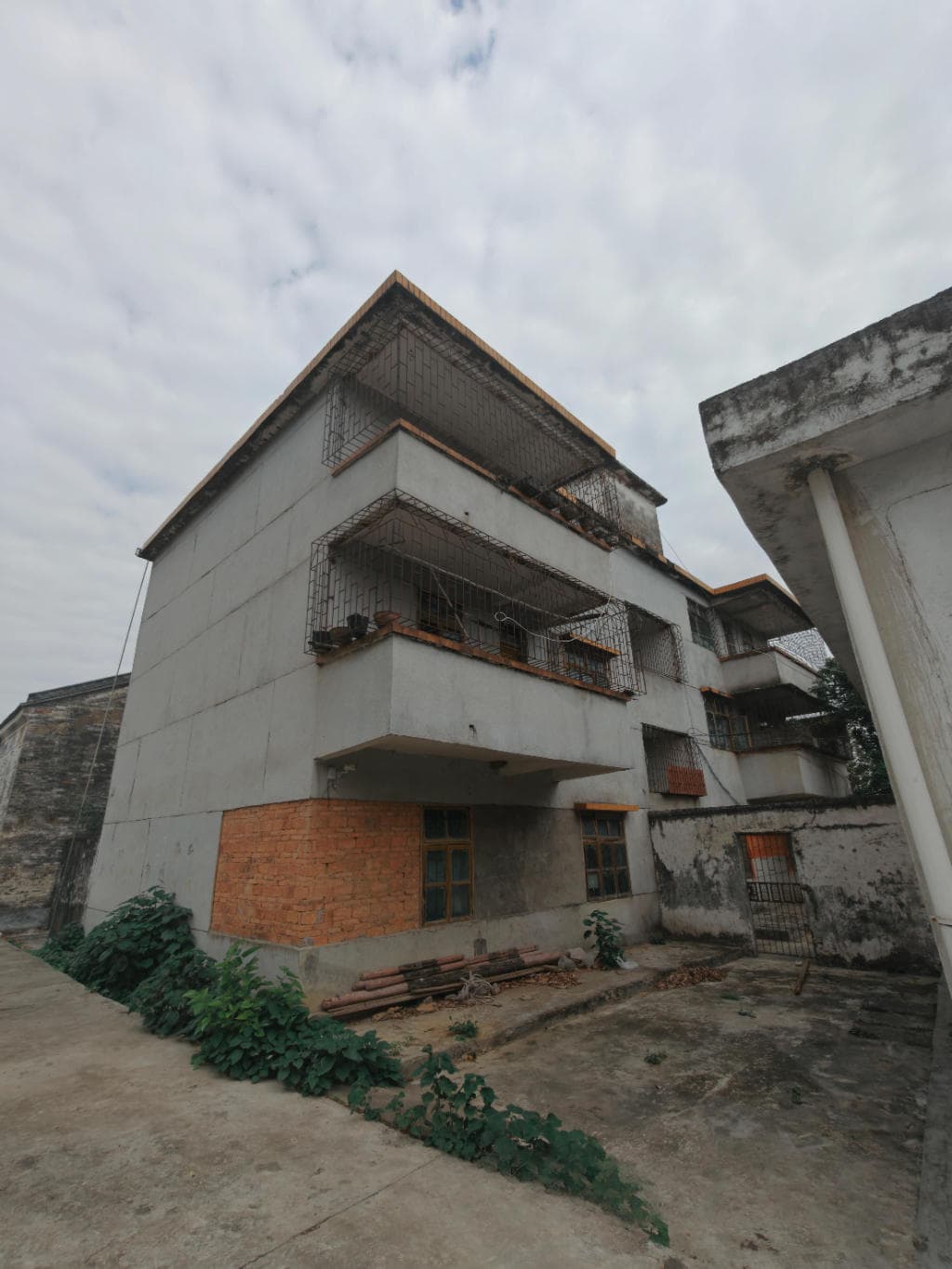
How to use Renovation
Upload a photo to renovate old buildings. Use a clear building photo, architectural sketch or exported model view. Describe one clear design direction and the existing elements you want to retain.
- 1. Add your referenceUse a clear building photo, architectural sketch or exported model view. For a CAD or 3D model, export the required view as an image first.
- 2. Describe the changeName the style, materials and lighting you want. Choose a matching aspect ratio, then review the credit cost before generating.
- 3. Inspect and refineCheck the building silhouette, roofline, openings and facade details against your source image. Save a useful version before making another change.
Example design brief
Refresh this house exterior with warm white plaster, timber entrance accents and dark window frames. Retain the existing roof shape, window positions and entrance. Add restrained low planting and natural daylight.
See the ai house exterior design & renovation workflow →How many credits does it use?
The current image generator uses 1 credit per submitted generation. New accounts receive 3 starter credits. Revisions are additional generations. View pricing.
What should I check in the result?
Generated images communicate visual ideas. They can change dimensions or fixed details and should be checked against the source, measurements and project requirements.